Back to gallery
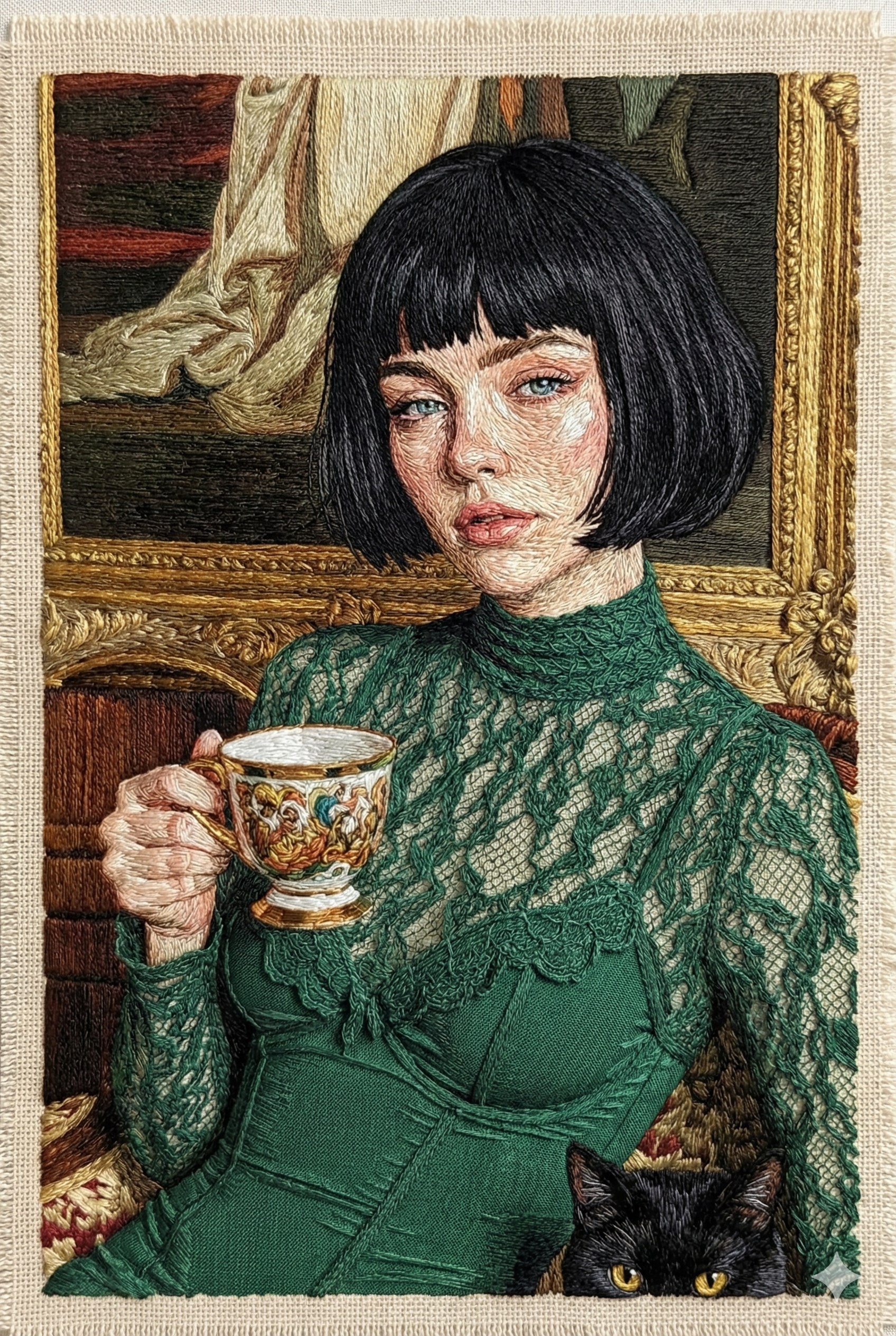
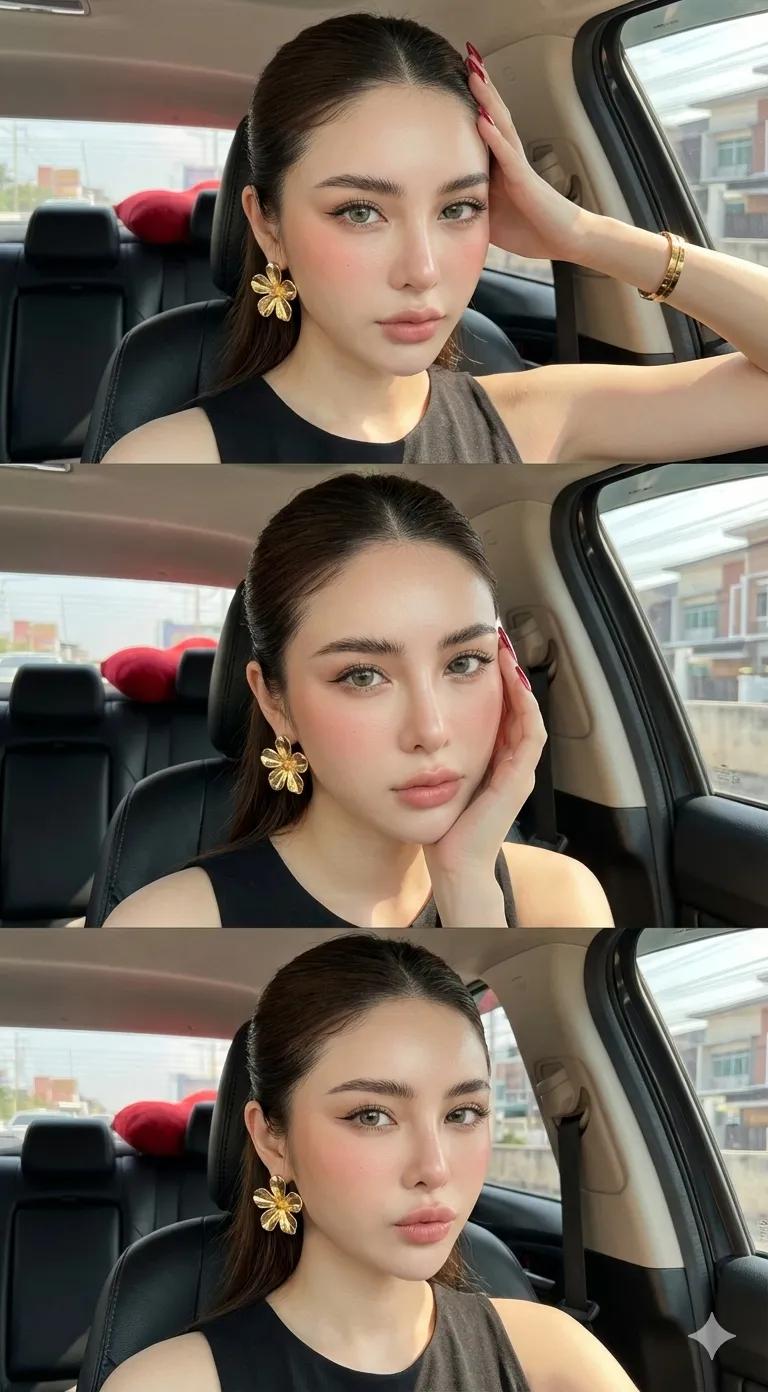
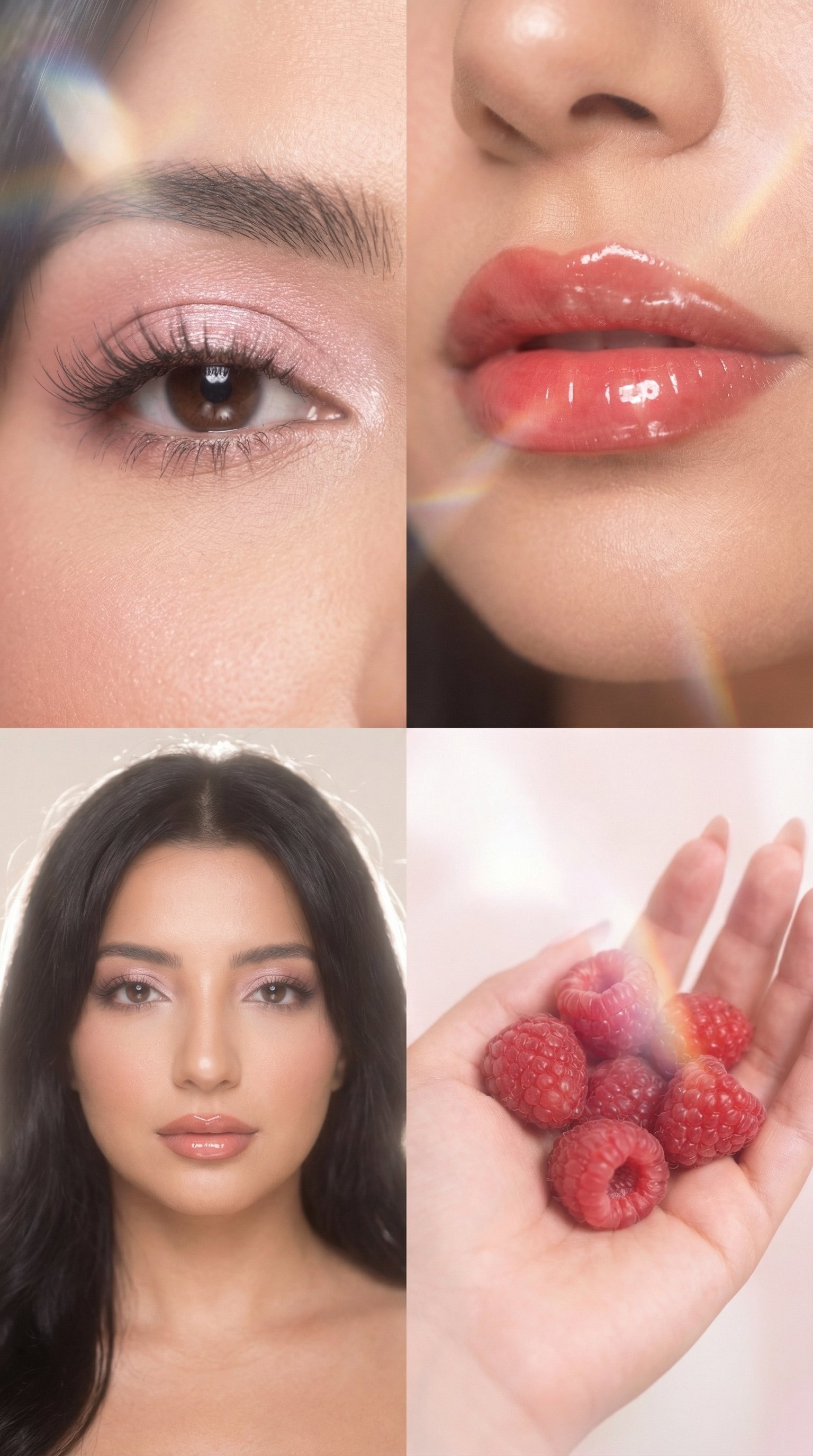
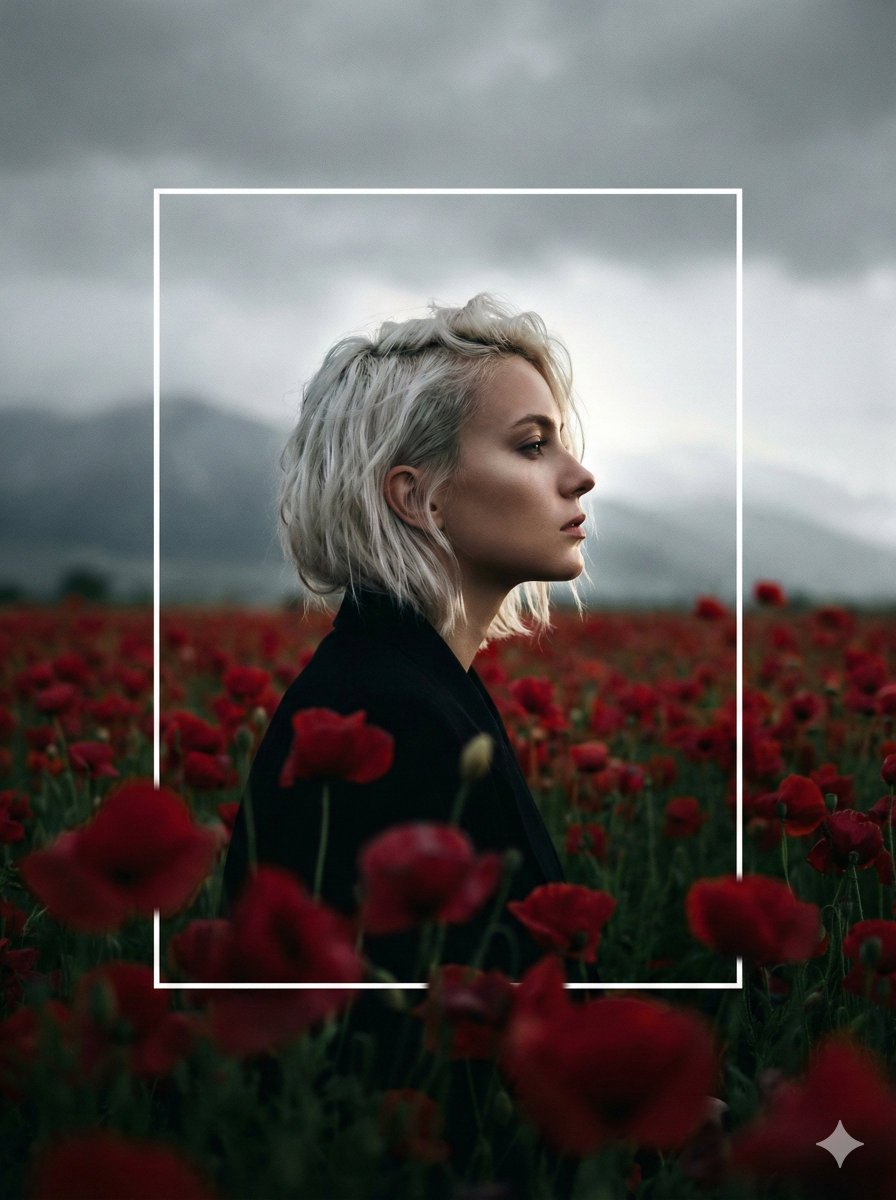
Convert Photo to Embroidery Art Using Google Gemini Nano Banana, People, nanoBanana-Pro, Portrait, Soft Lighting reference image, image 1 of 3
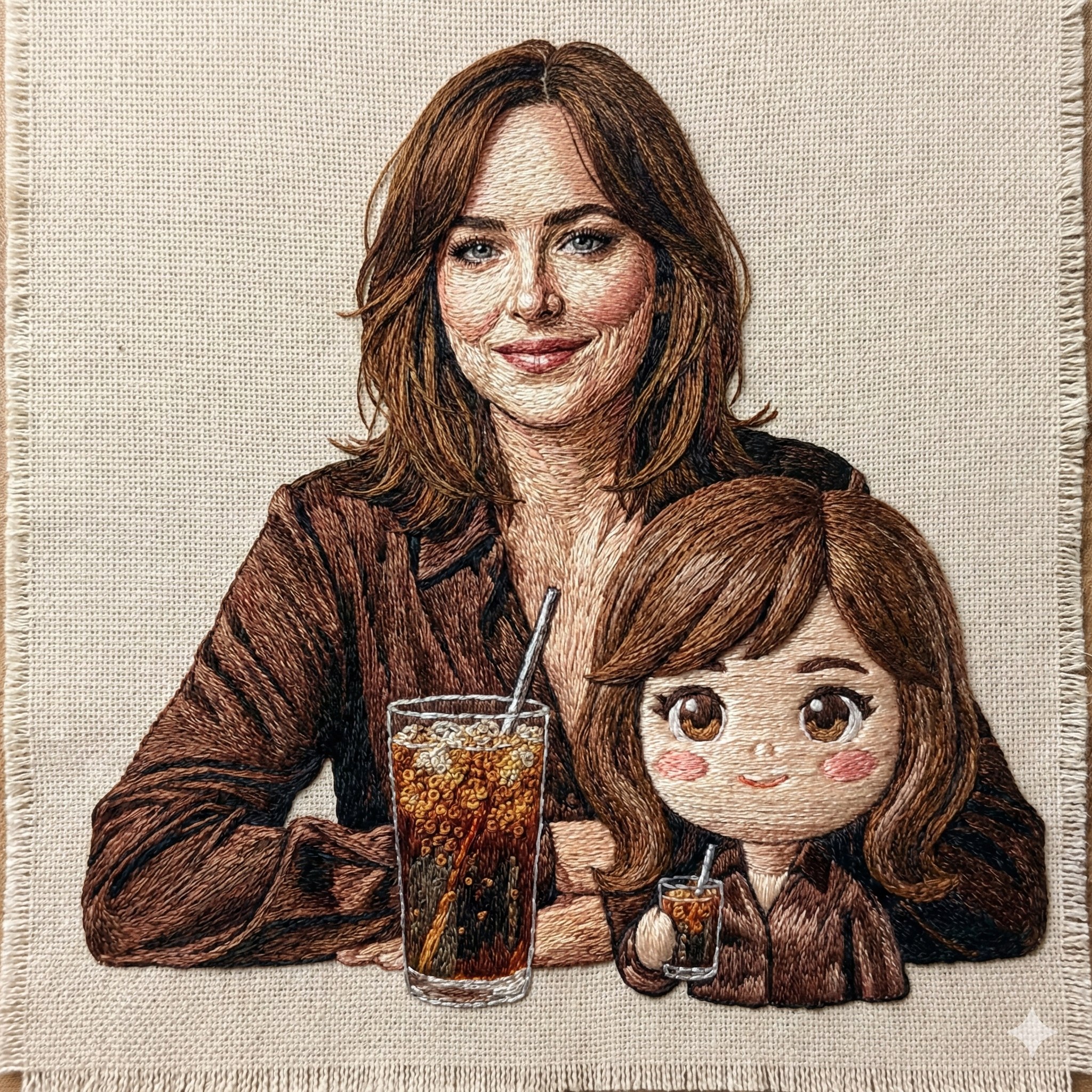
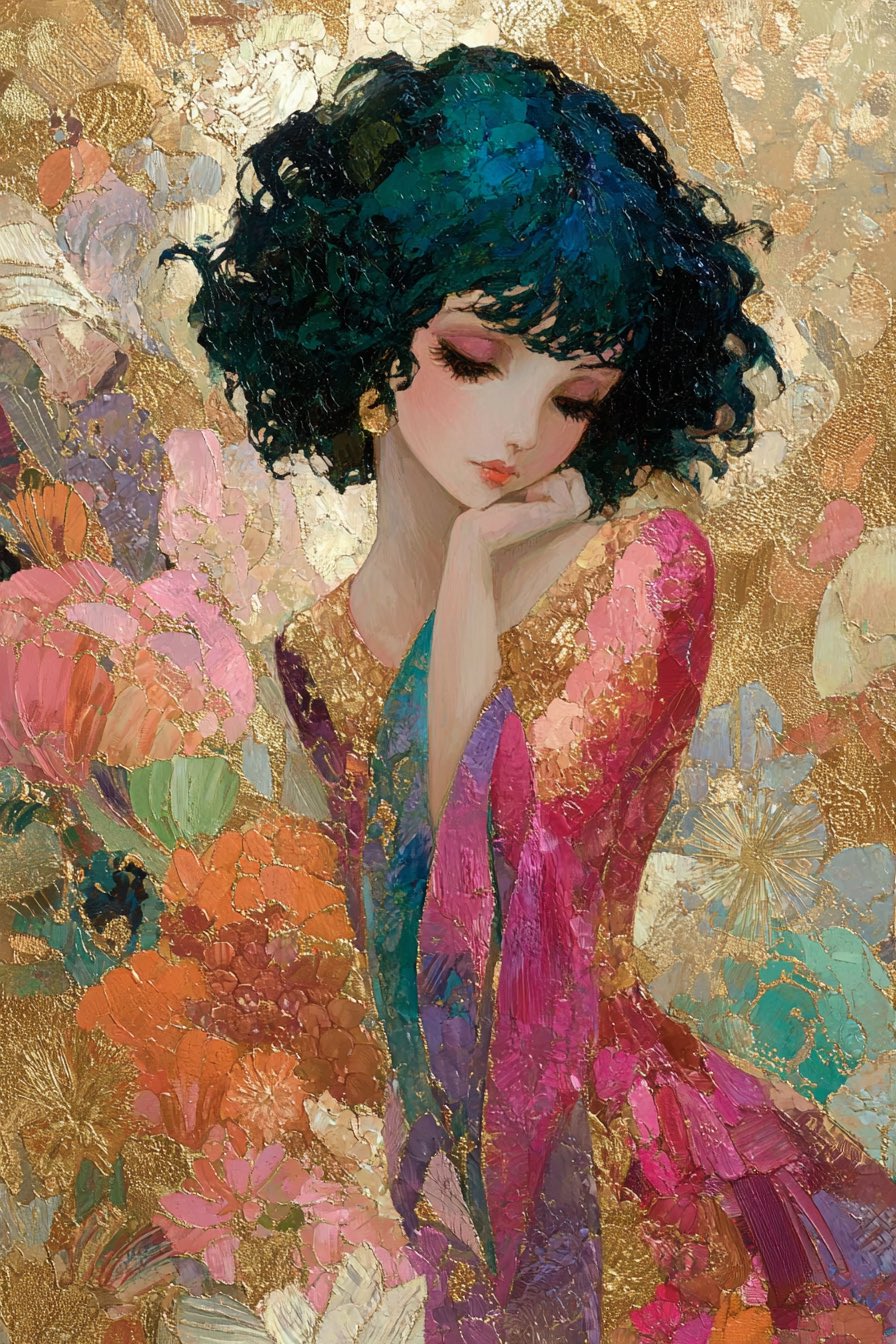
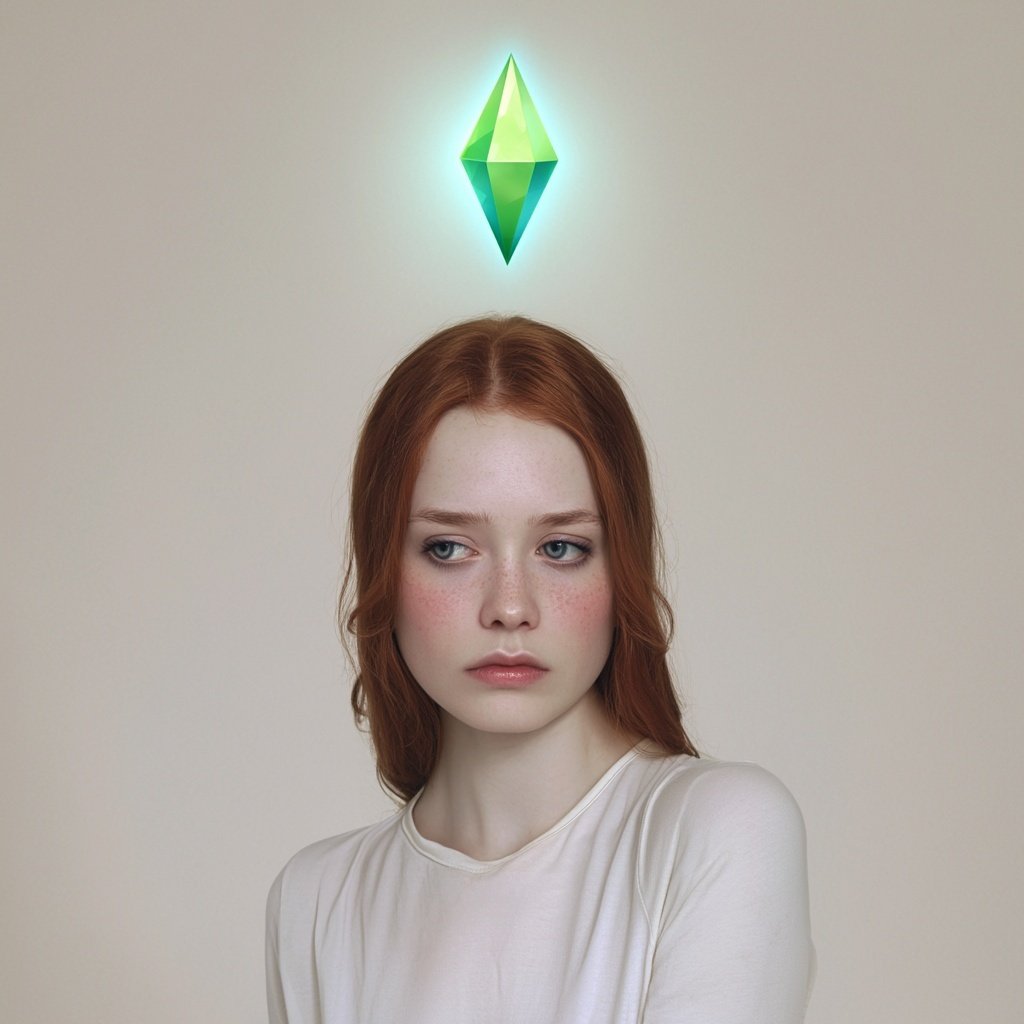
Convert Photo to Embroidery Art Using Google Gemini Nano Banana, People, nanoBanana-Pro, Portrait, Soft Lighting reference image, image 2 of 3
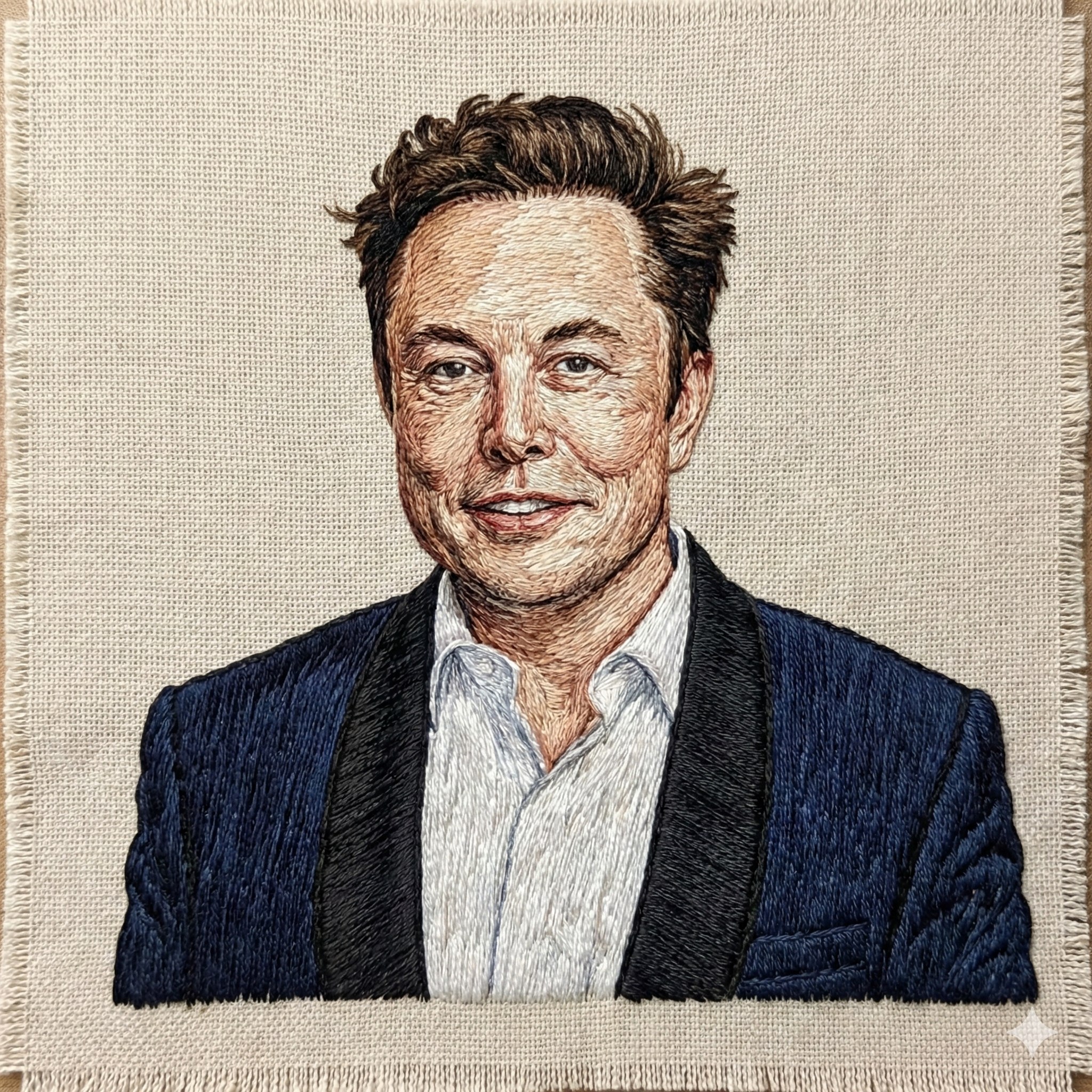
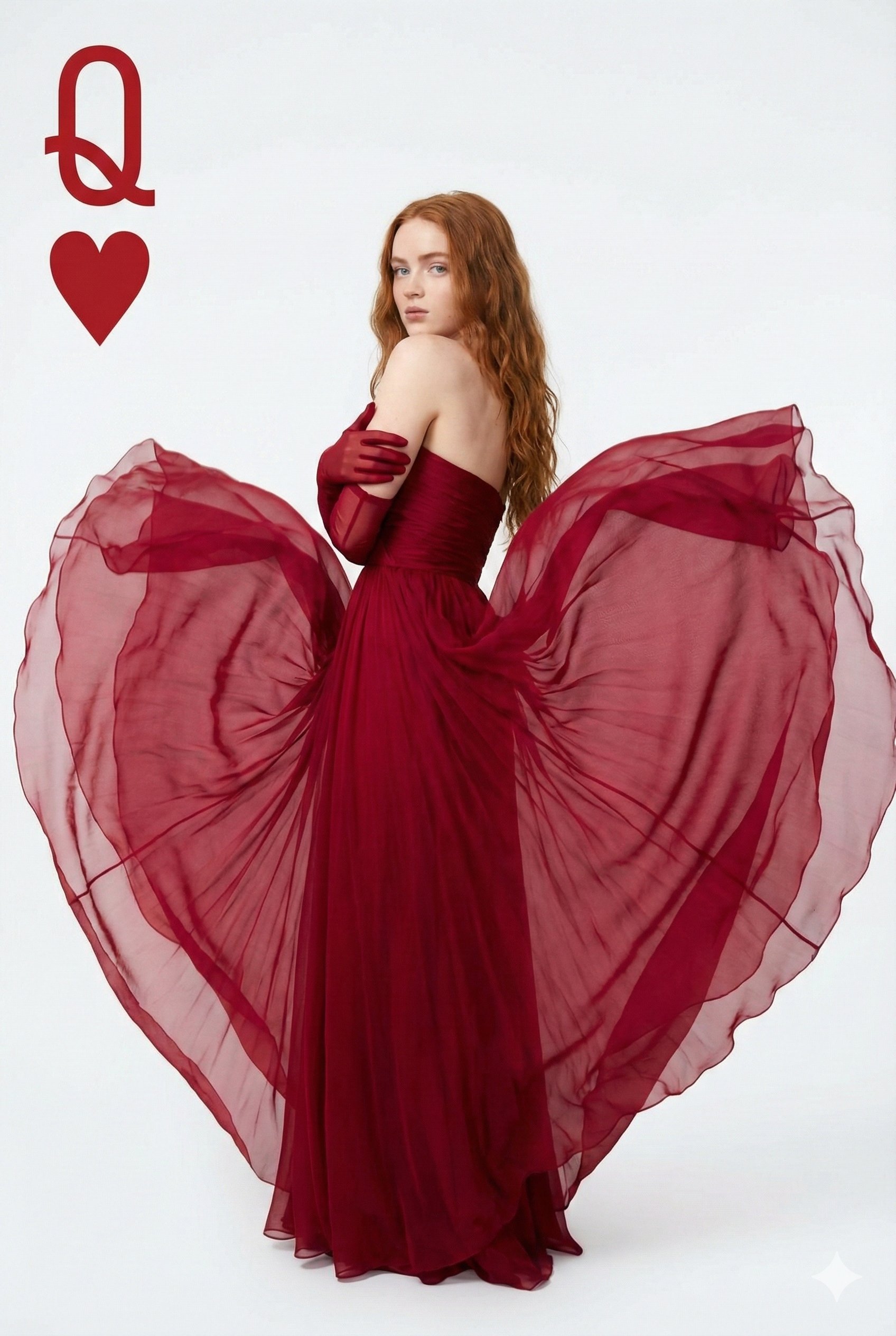
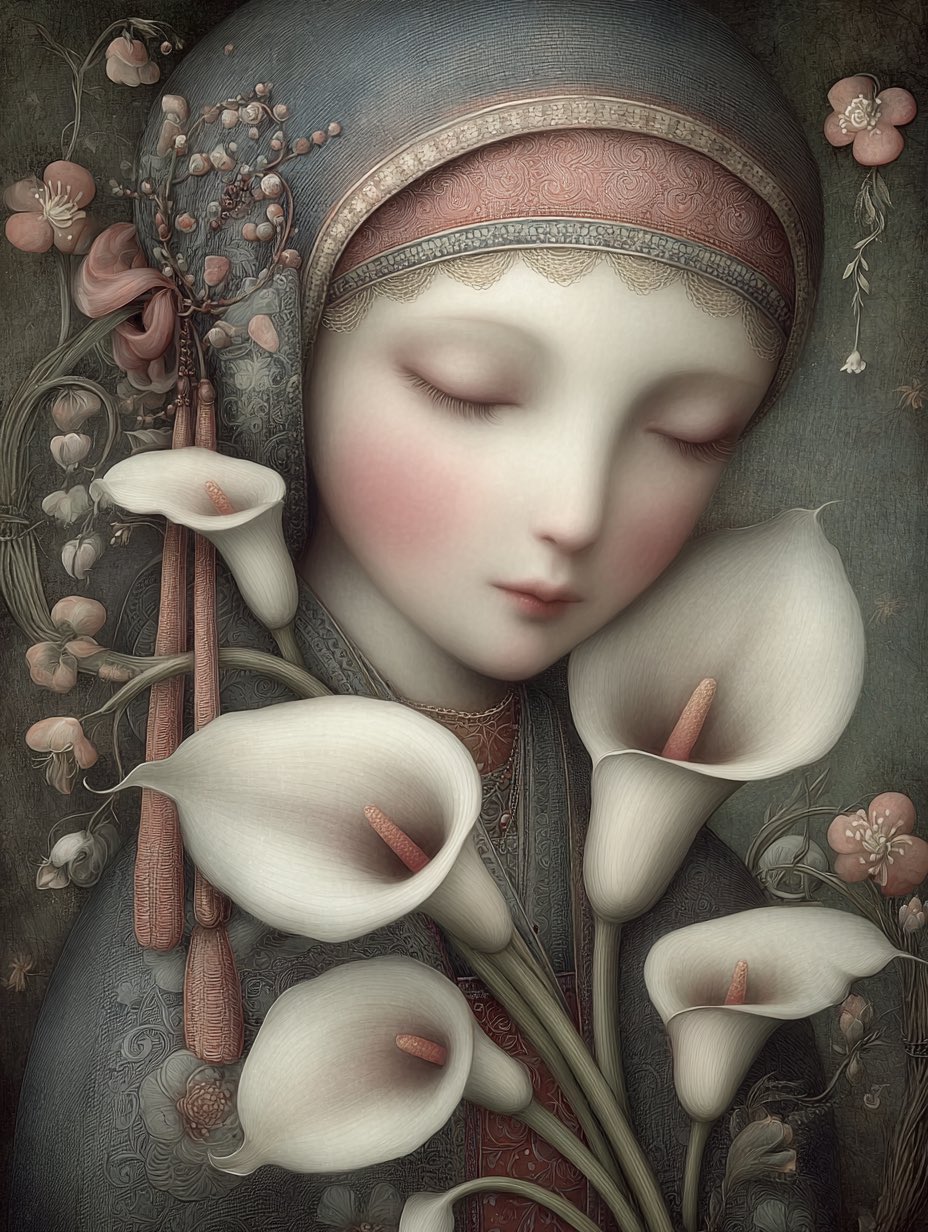
Convert Photo to Embroidery Art Using Google Gemini Nano Banana, People, nanoBanana-Pro, Portrait, Soft Lighting reference image, image 3 of 3

Convert Photo to Embroidery Art Using Google Gemini Nano Banana

Author: SynthiaModel: nanoBanana-ProPublished: 1/25/2026, 5:18:32 AM

Categories

Copy prompt

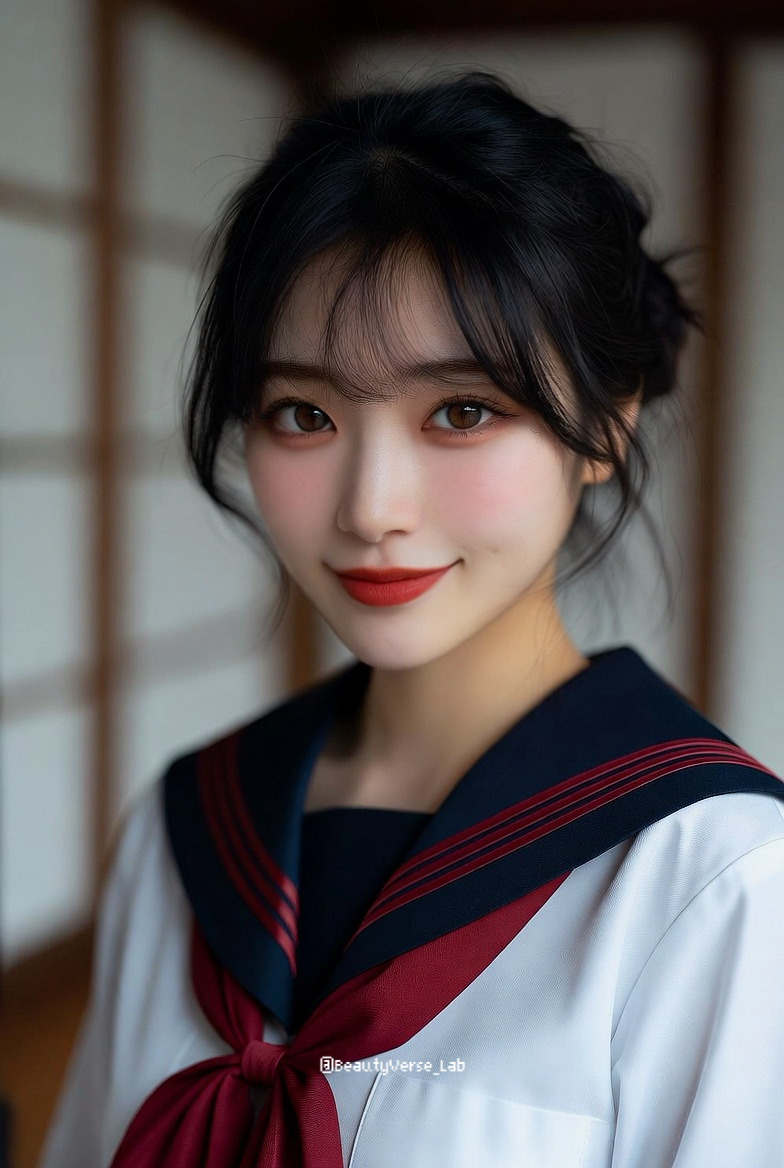
Embroidery effect on images using Google Gemini Nano Banana Prompt : Turn my uploaded photo into embroidery art made with colored threads, visible stitching, fabric texture. Use layered thread directions to define facial contours and depth. Show dense satin stitches for highlights and fine backstitches for shadows. Preserve realistic facial proportions while translating details into threadwork. Set the portrait on a tightly woven canvas fabric with slight fraying edges. Soft studio lighting to enhance thread sheen, texture, and handcrafted realism

Prompt breakdown

Subject

Convert Photo to Embroidery Art Using Google Gemini Nano Banana

Scene

People

Style and lighting

nanoBanana-Pro

Details to preserve

Embroidery effect on images using Google Gemini Nano Banana Prompt : Turn my uploaded photo into embroidery art made wi...
Recommended next steps

Open in generator
  • Open this prompt in the generator and rewrite it around a new subject or scene.
  • Use the tags below to keep browsing prompts with a similar style direction.
  • Check the related category page for more prompts that fit the same use case.
Open on X

Related prompts

Open in generator