Film
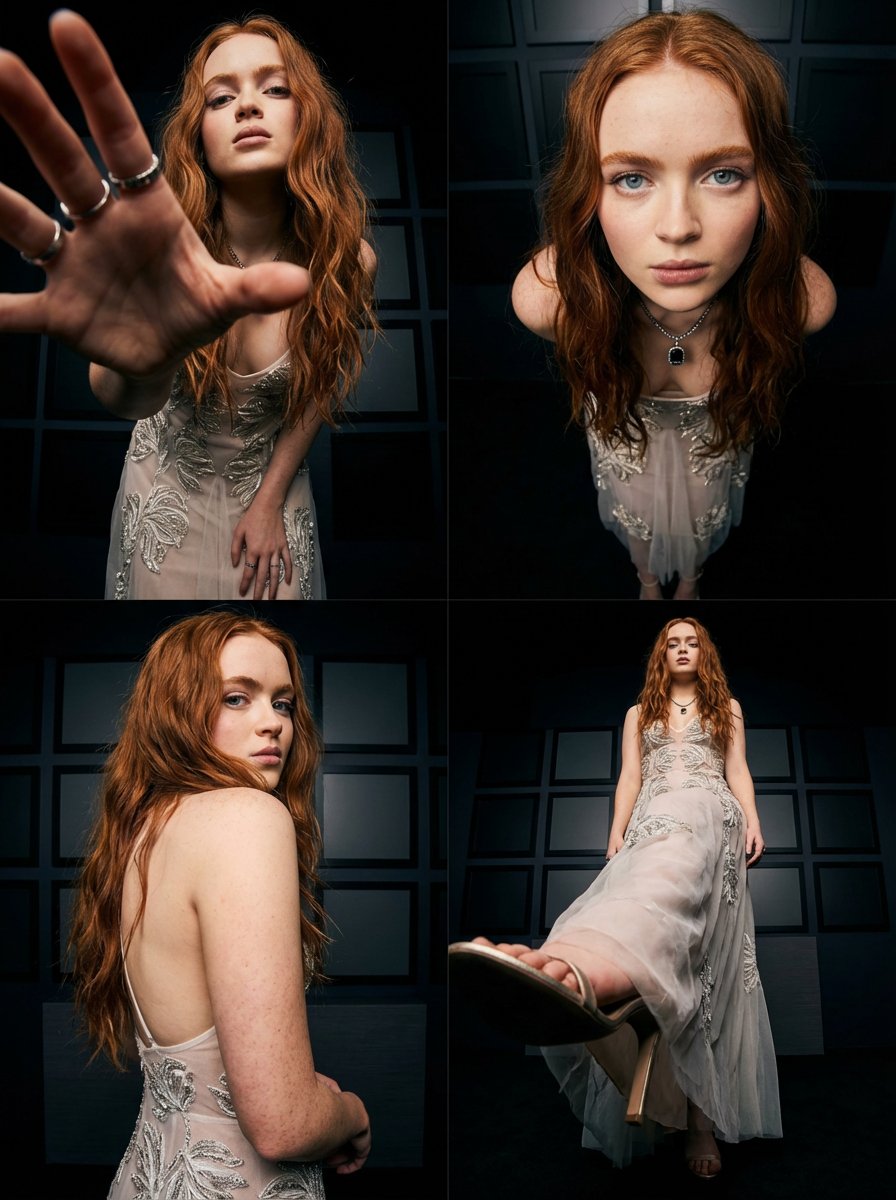
Sadie Sink Photo with Different Angles
ANKIT PATEL 🇮🇳 | AI1/3/2026
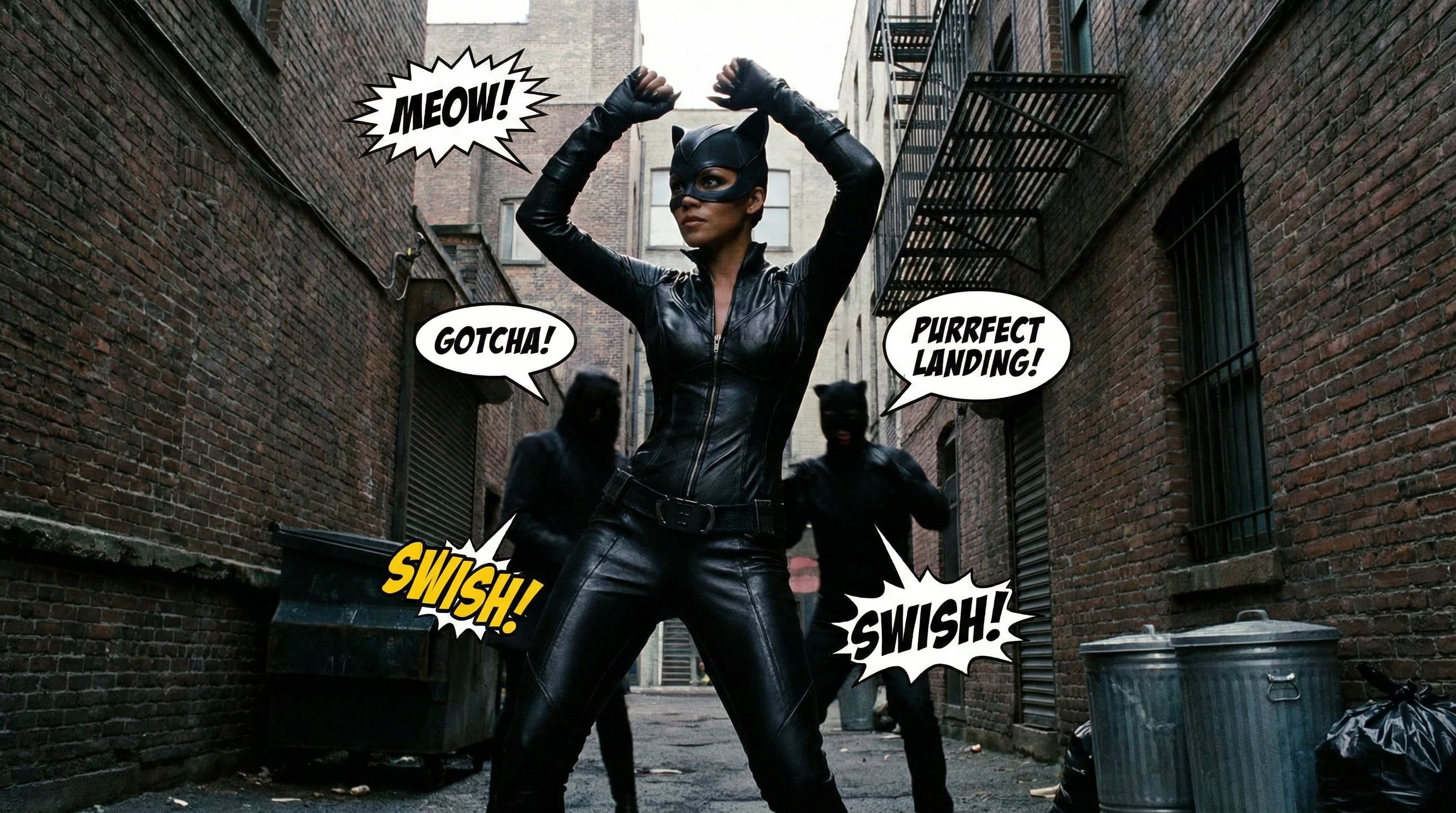
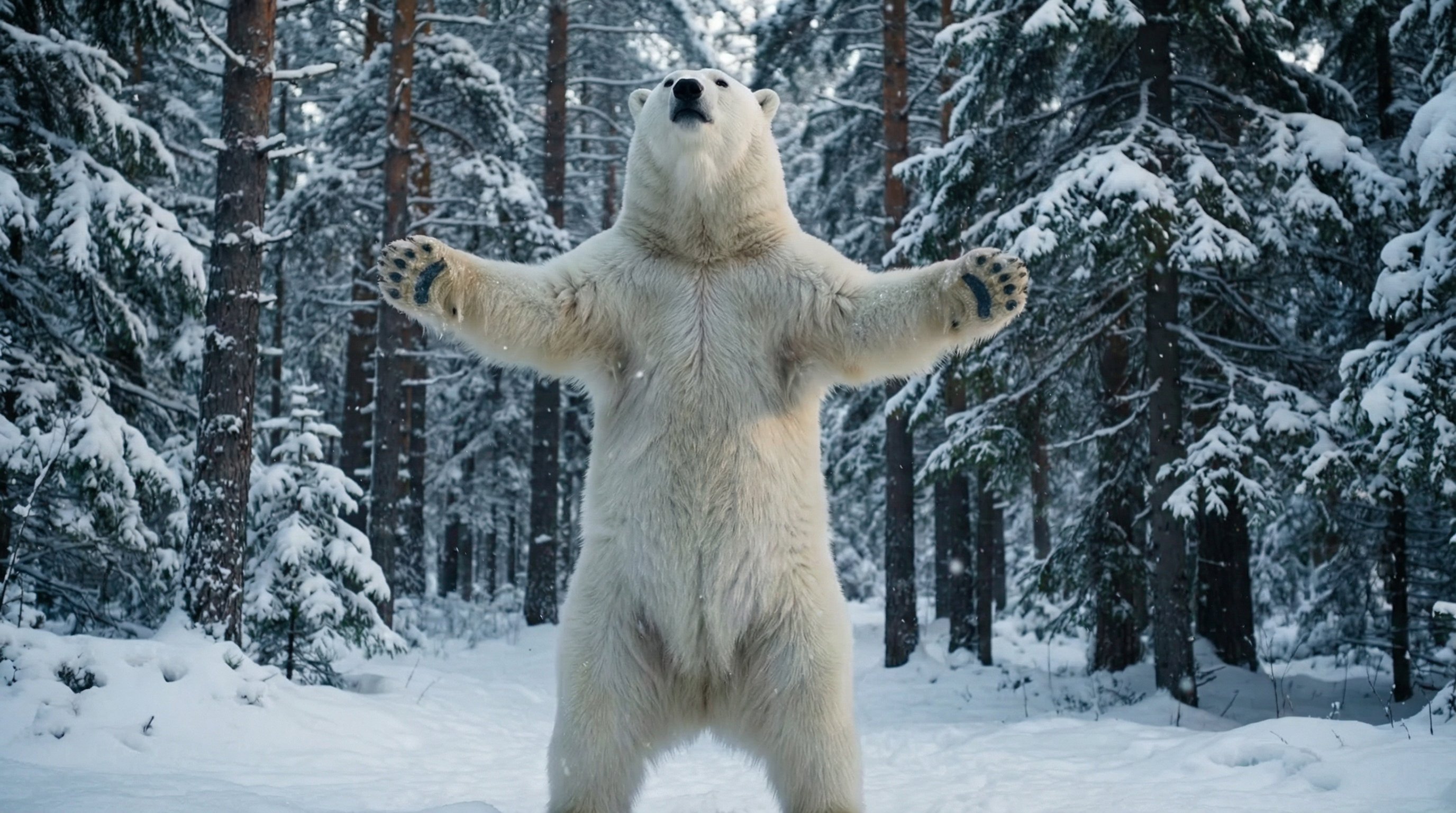
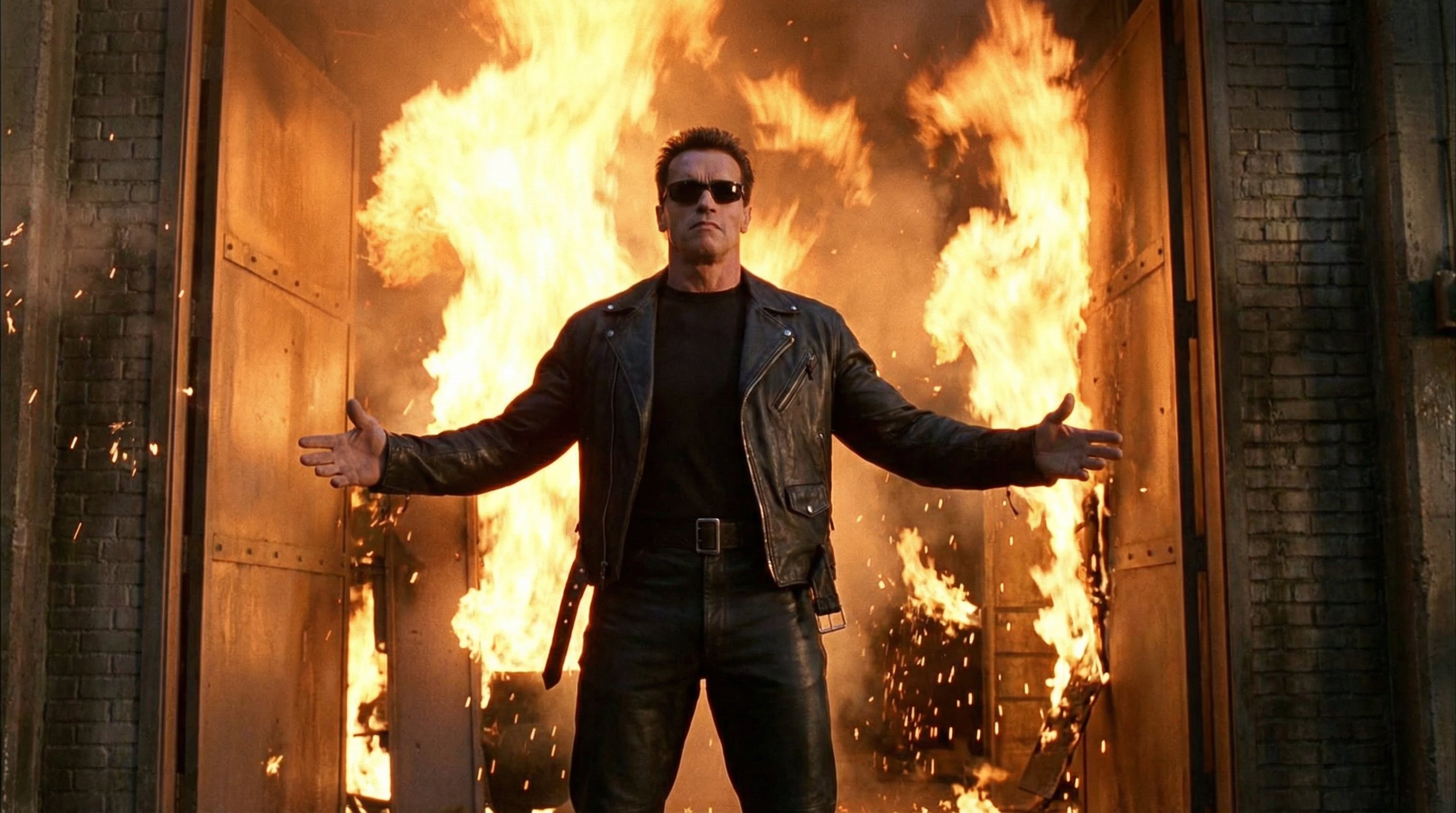
To create the perfect swap in @invideoOfficial Performances: ✅Take a screenshot of the first frame of your video ✅Send it to Nano Banana Pro (you can do this directly in Invideo), and add a prompt describing your hero, for example: “Use the downloaded image as an accurate reference for framing and posing, precisely replicating the position of the body and arms, as well as the distance from the camera. The pose is 100% identical to the reference. Replace the character with a white fluffy bear against the backdrop of a winter forest. Cinematic style.” ✅On the Invideo website → Agents & Models → Scene Swap (or Cast Swap) ✅Upload your video and the image from Nano Banana Pro ✅Enjoy the result!
Perfect Video Face Swap Tutorial
Film
nanoBanana-Pro
To create the perfect swap in @invideoOfficial Performances: ✅Take a screenshot of the first frame of your video ✅Send...