10个必备的摄像机角度
标签
复制提示词
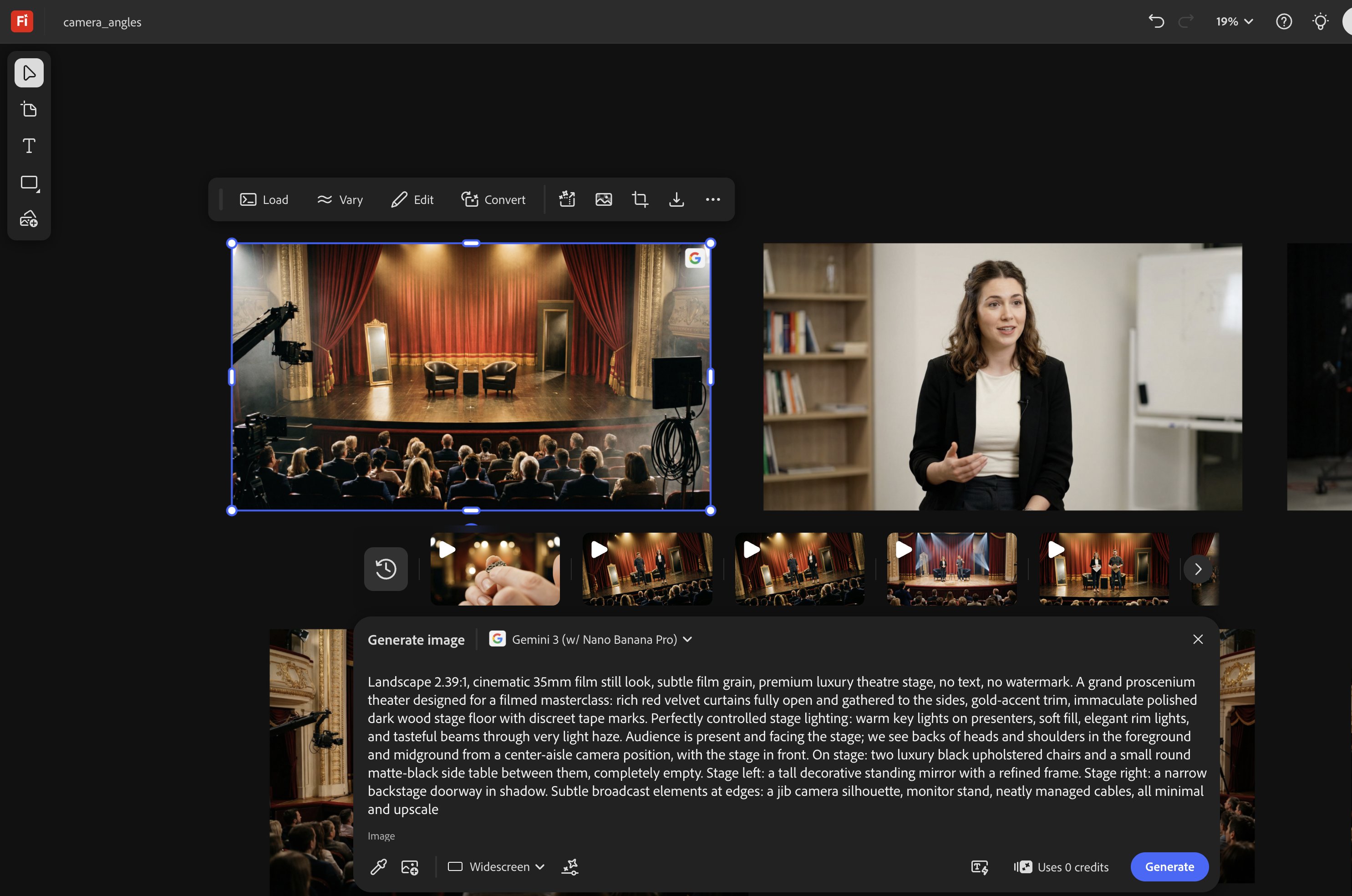
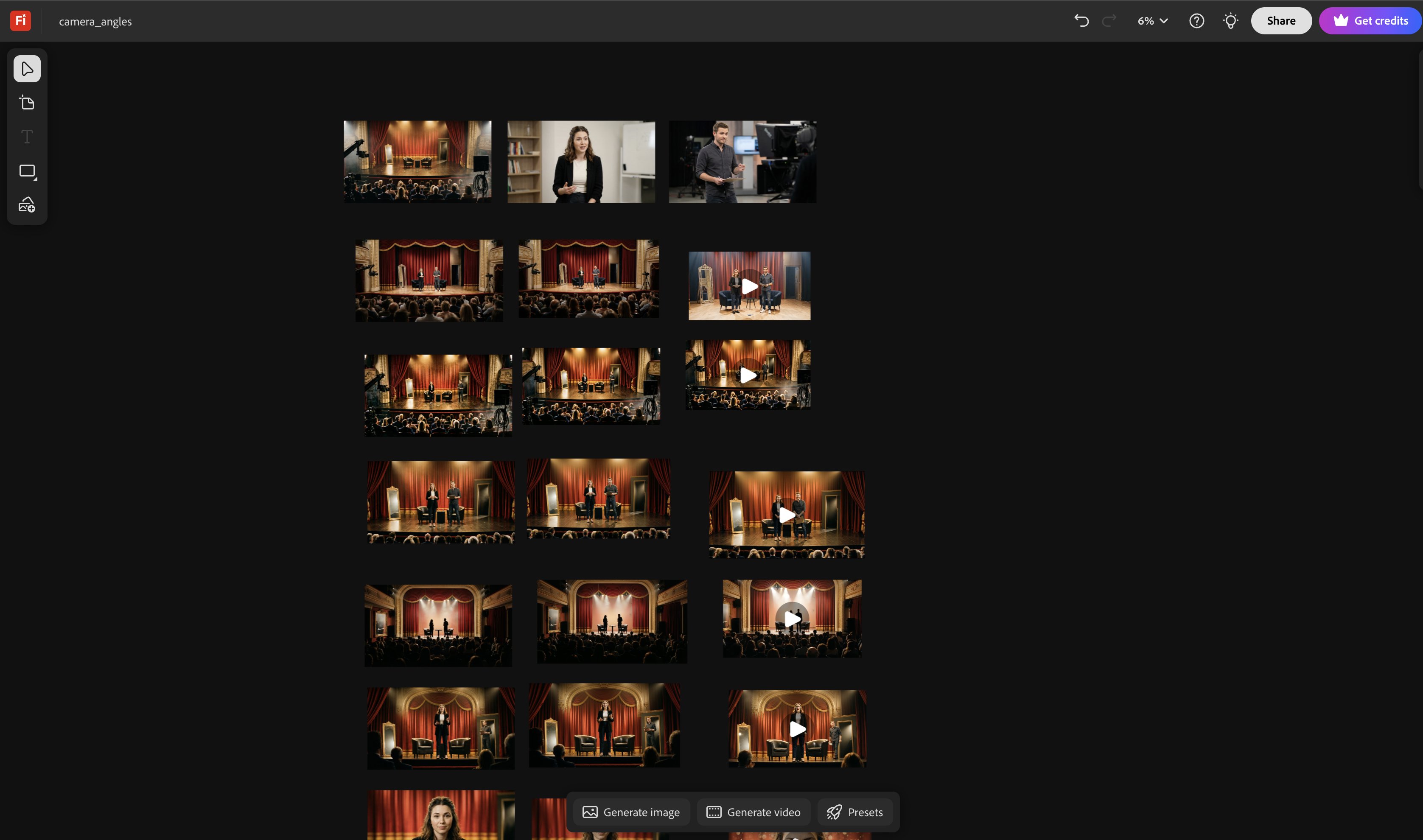
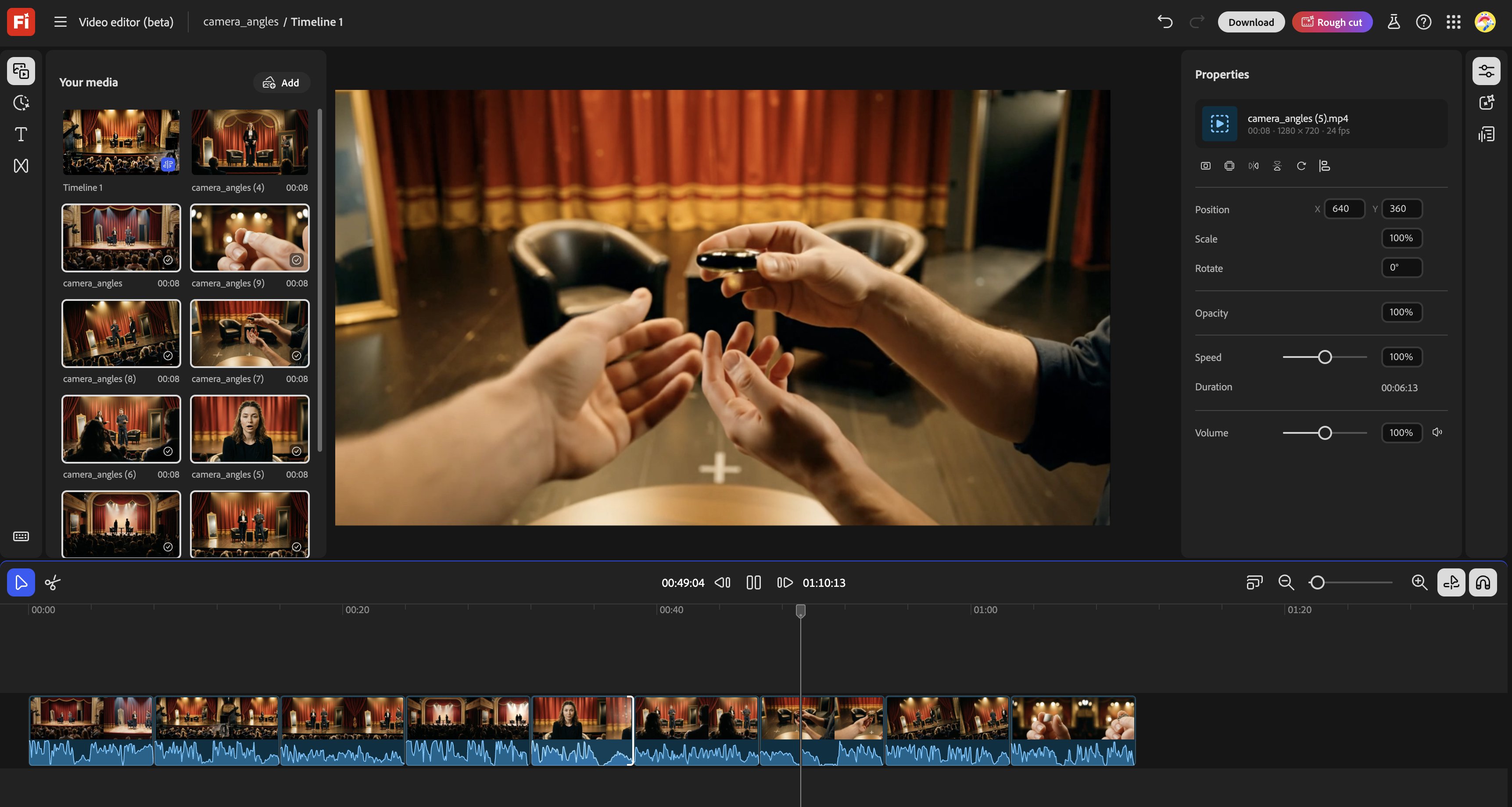
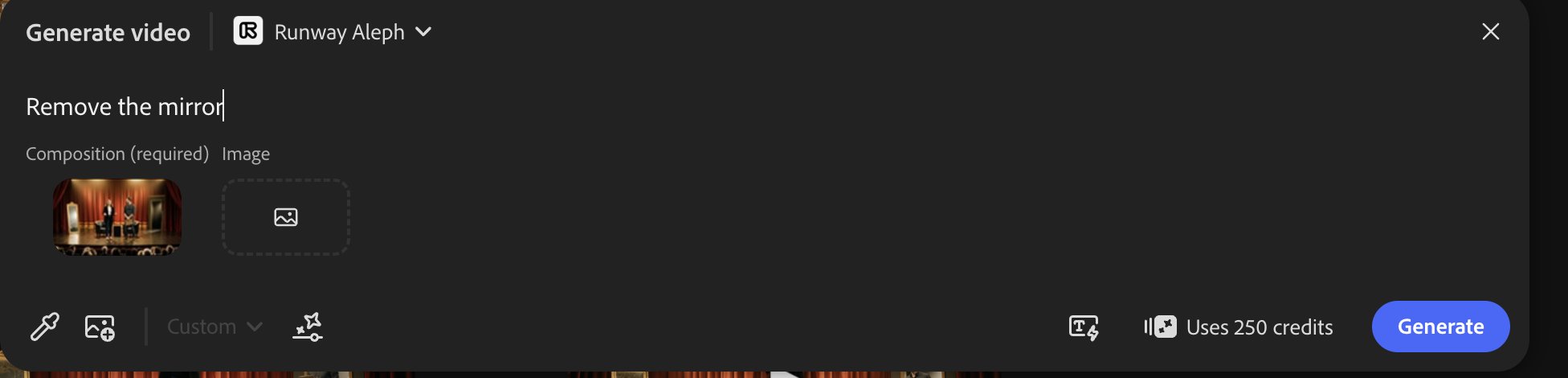
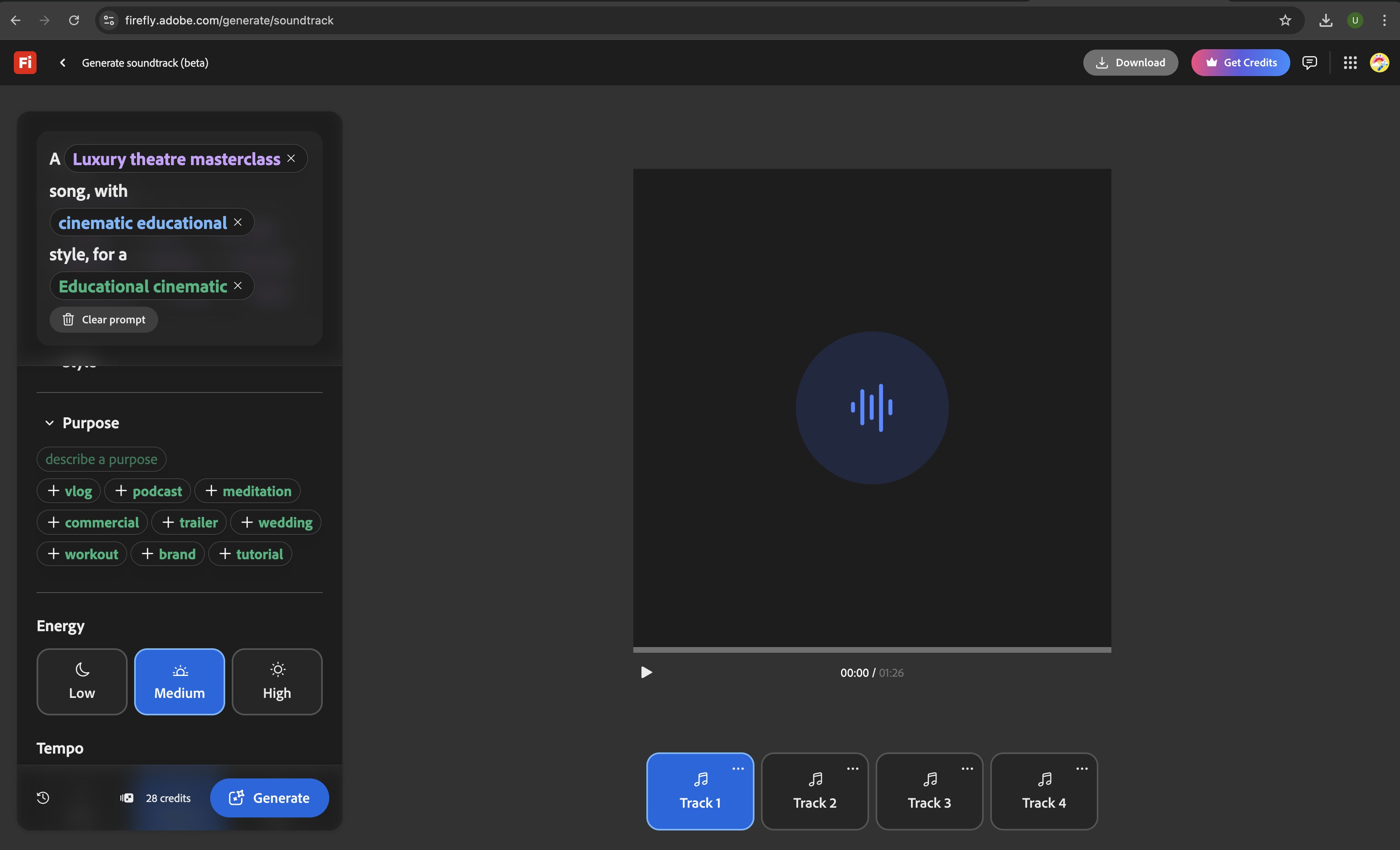
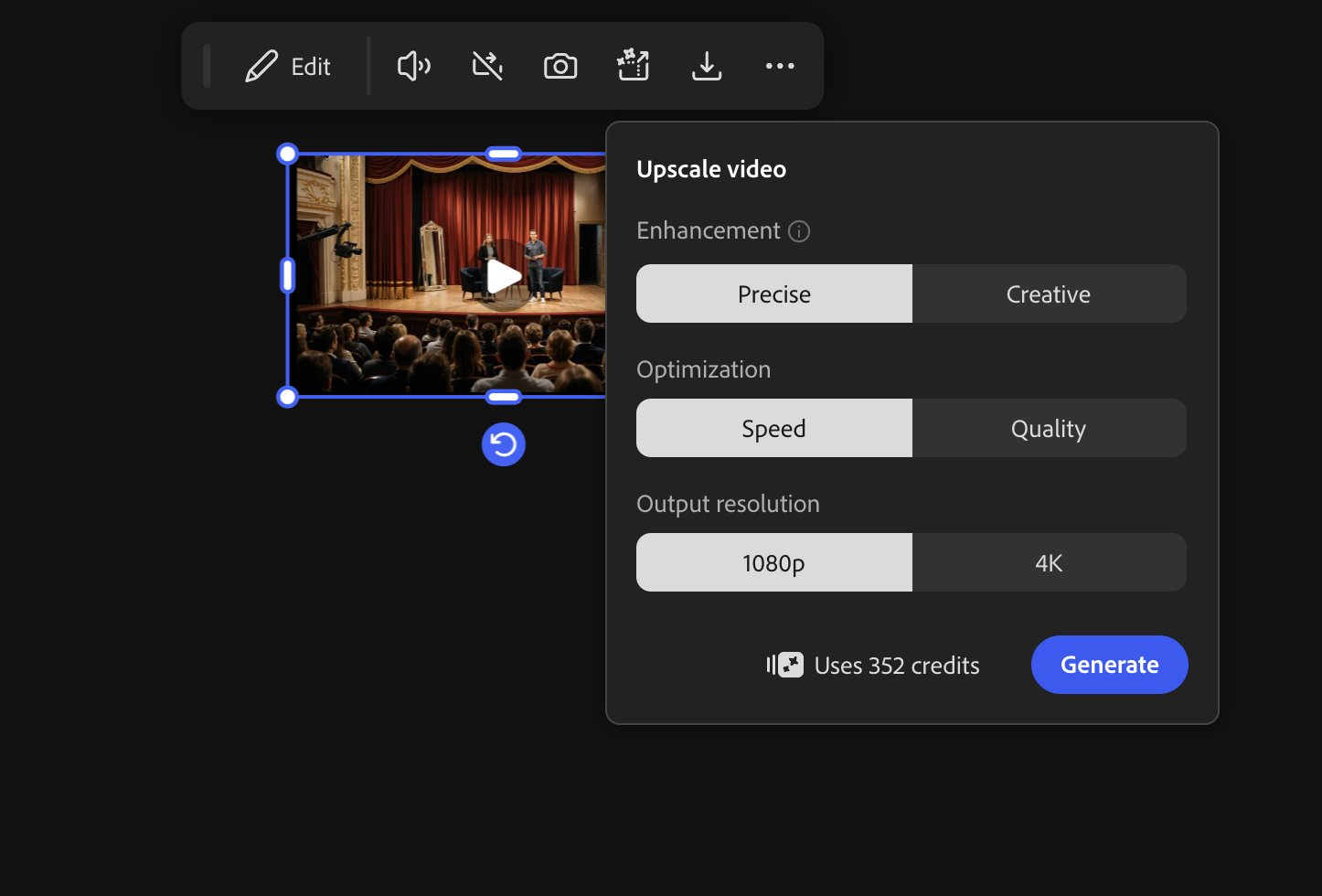
This video covers 10 must-know camera angles every filmmaker should have in their toolkit. Adobe Firefly Boards helped me create and iterate the shot list quickly, exploring variations without slowing the creative flow. Treat this like a storyboard in motion, not a continuity test. Workflow below 👇 This post is sponsored by @AdobeFirefly #AdobeFireflyAmbassadors #Ad #HowToAdobeFirefly Adobe Firefly is a complete creative AI workflow: You can plan in Boards, collaborate fast, and generate image/video/audio/vector with Firefly and partner models. Start with creating a Board. For the demo above, I started by creating the setting and character images using Nano Banana Pro available within Firefly Boards. The infinite canvas helps you keep every frame in one place and doesn’t break your flow! I used the reference images and, with NBP, generated base images for each frame, then animated them with Veo 3.1 Fast. https://t.co/7OhniwhG3W To stitch all the clips together seamlessly, Adobe has an online video editor where all the generated videos are instantly available. All you need to do is drag and drop! https://t.co/VsuHItM5Qt If you don’t like something in a generated video, you can remove it using Runway Aleph within Firefly Boards! In this example, I asked to remove the mirror! https://t.co/WN1XEbkjJA I added a soundtrack to go with the video using Adobe Soundtrack. You can prompt the vibe, style, and purpose, or upload the video for an appropriate track generation. https://t.co/xSSGxoeaZq And finally, I upscaled the whole video within Firefly Boards using the partner model Topaz Astra! Thanks for watching and reading! https://t.co/6CXiahDPX6 Try Adobe Firefly here ⬇️ https://t.co/LIdmDlMuEL