头像
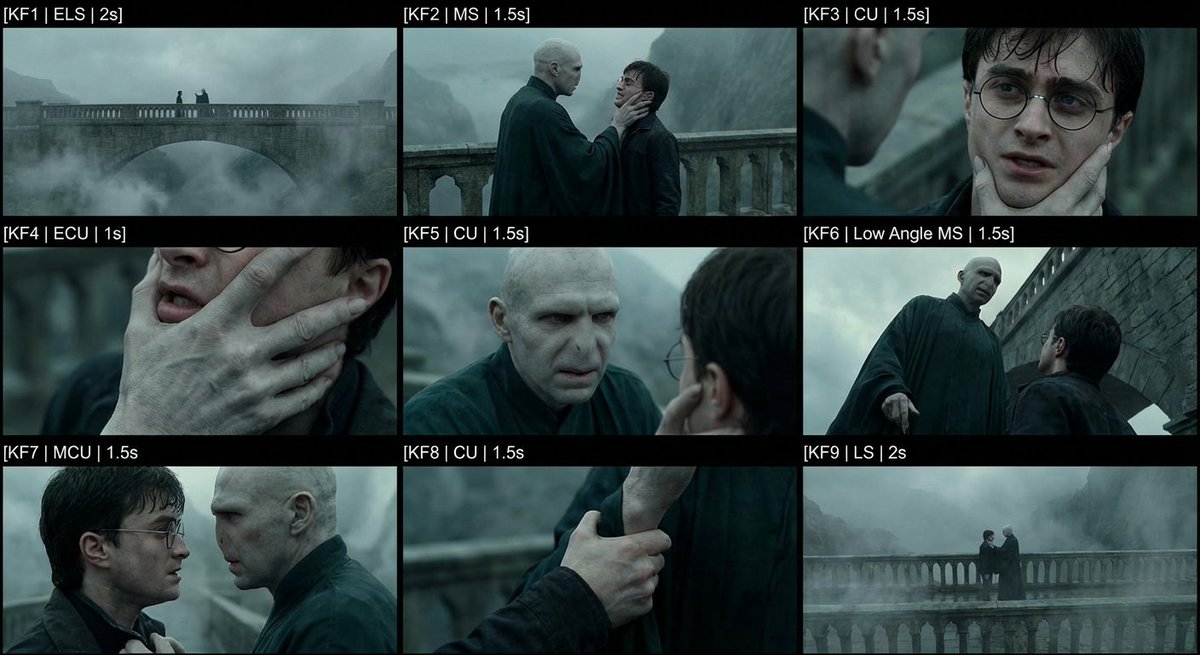
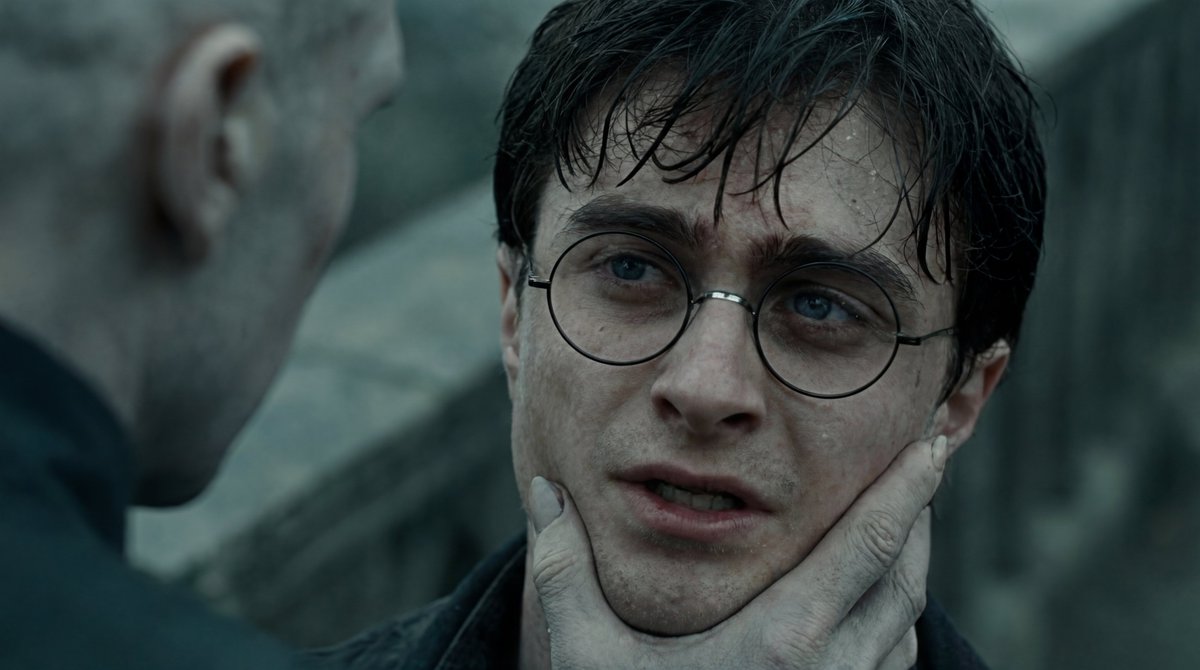
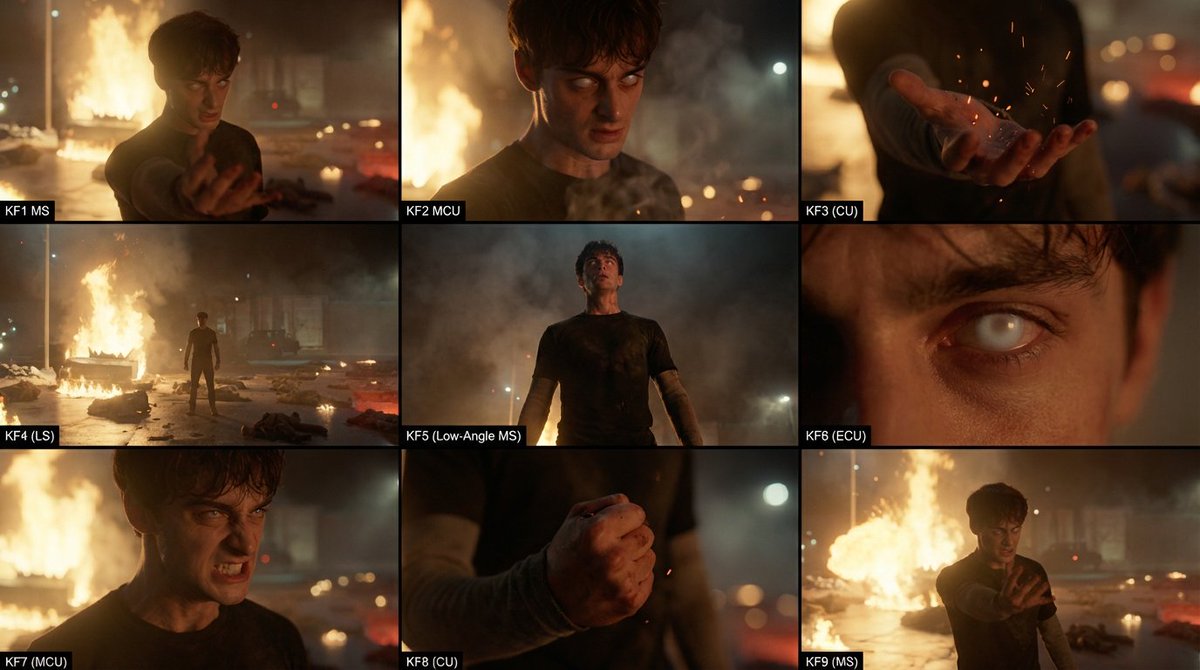

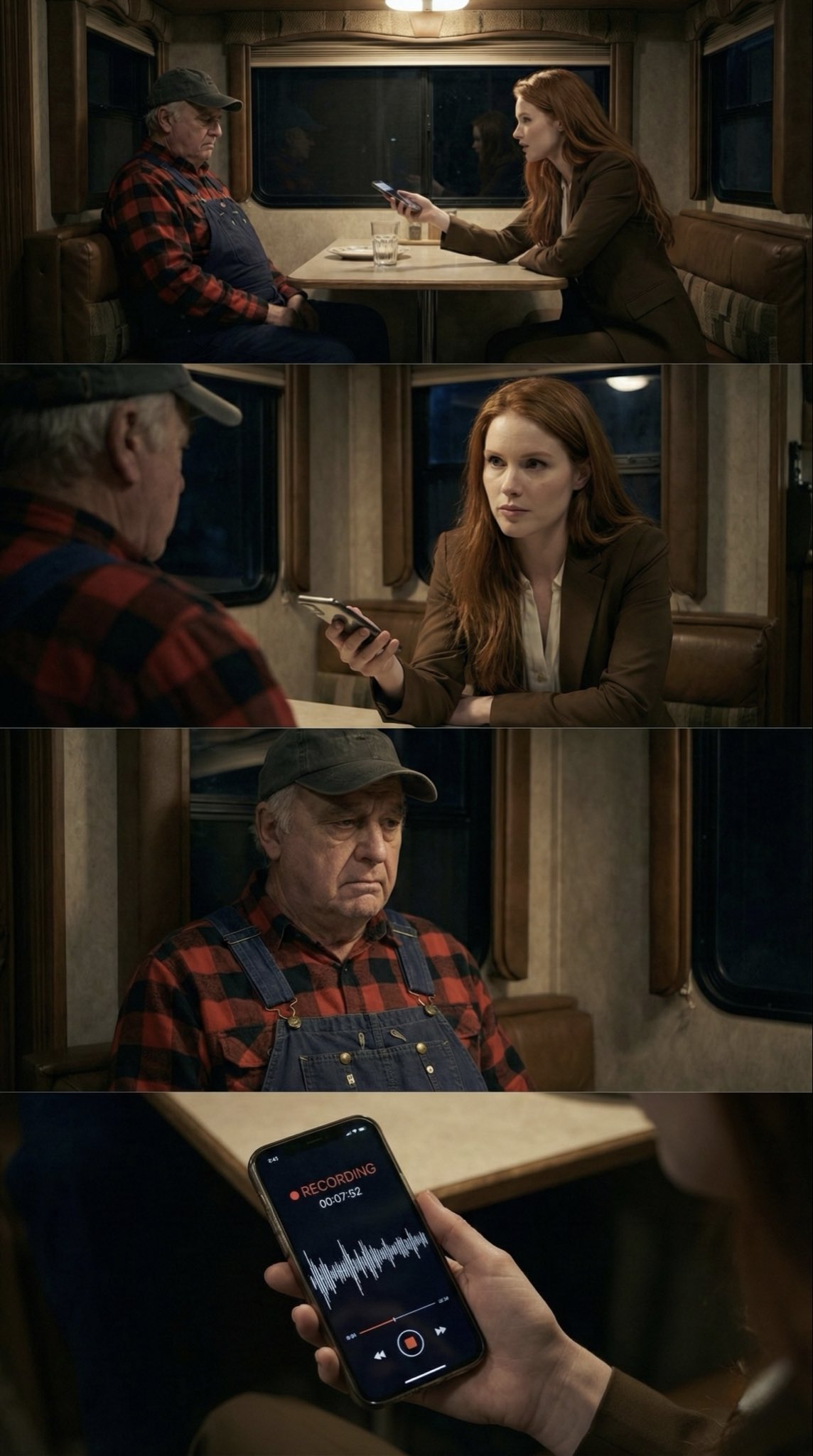
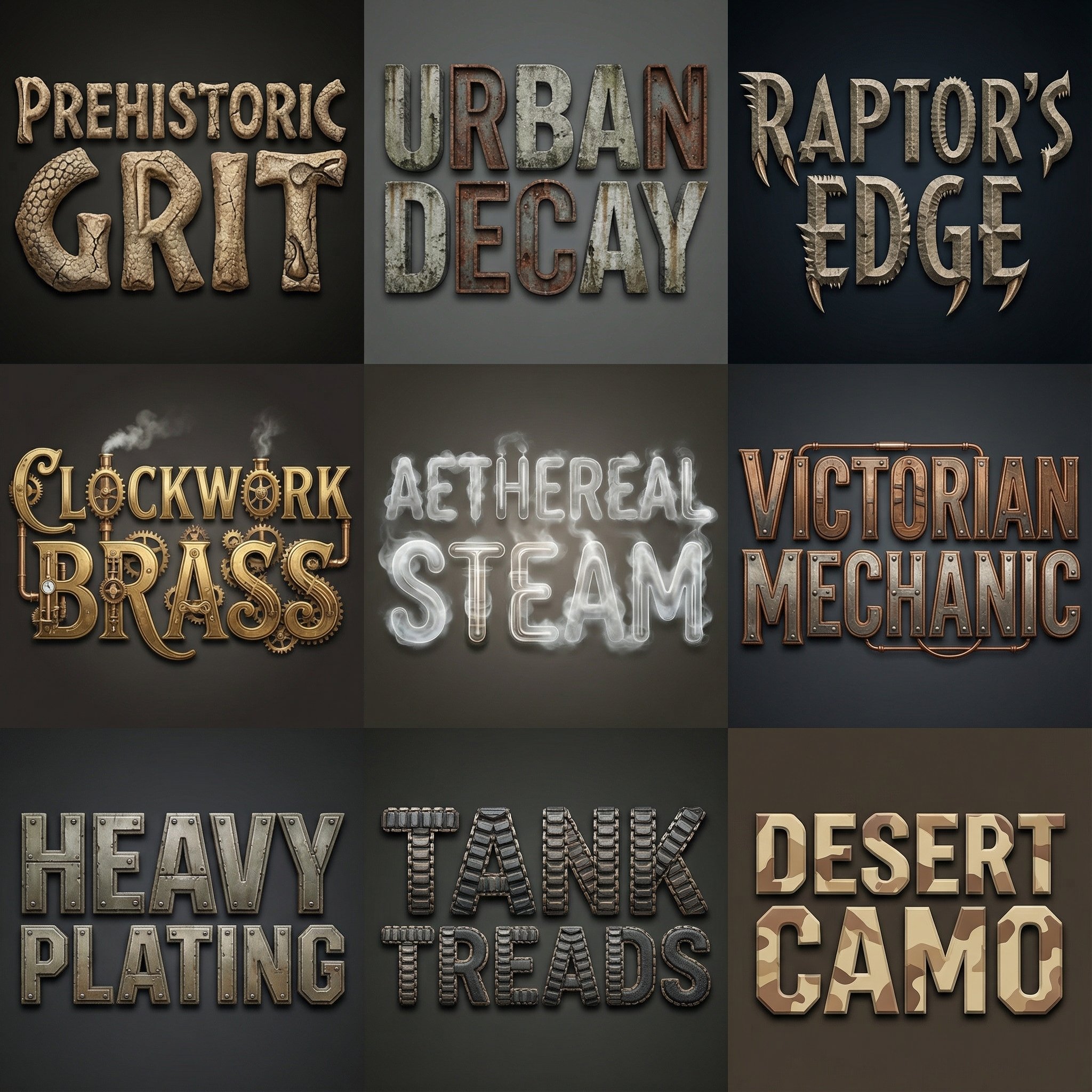
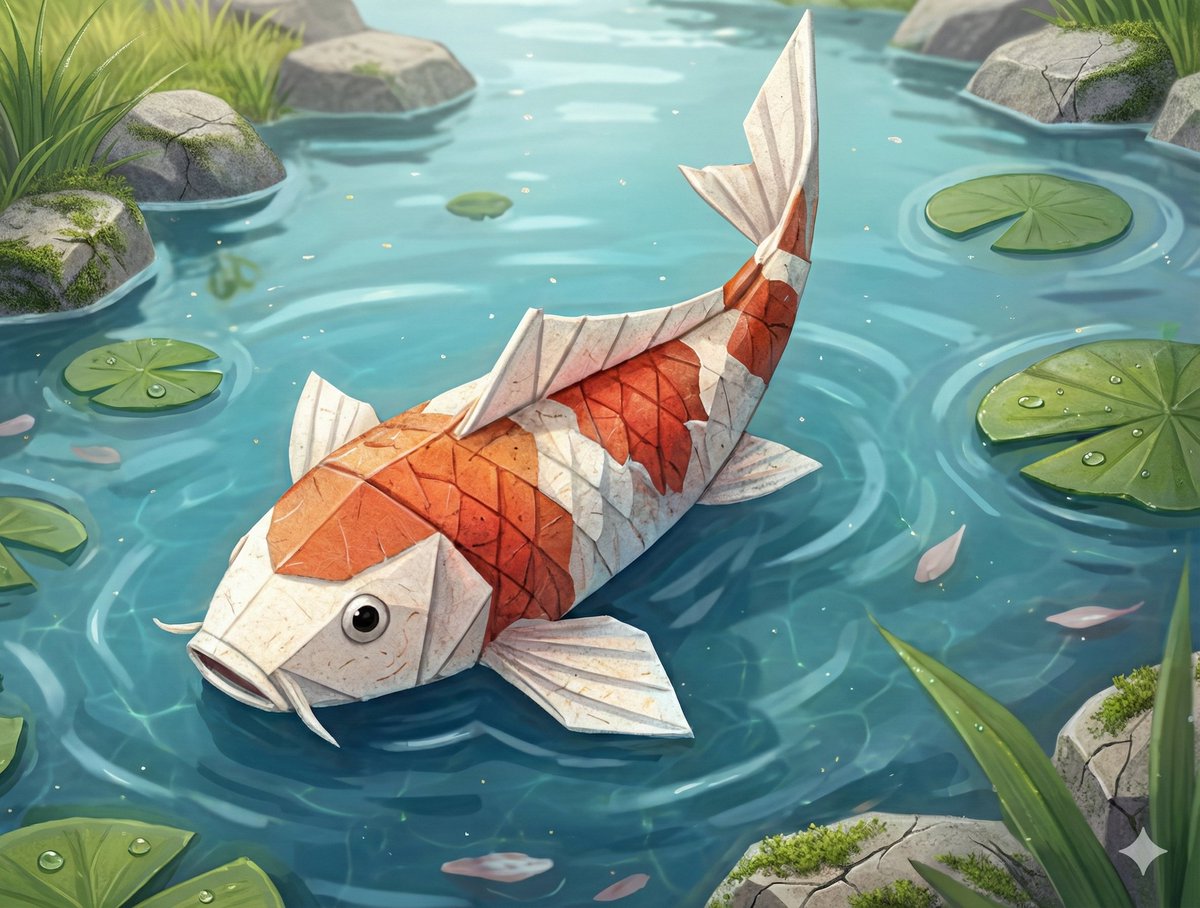
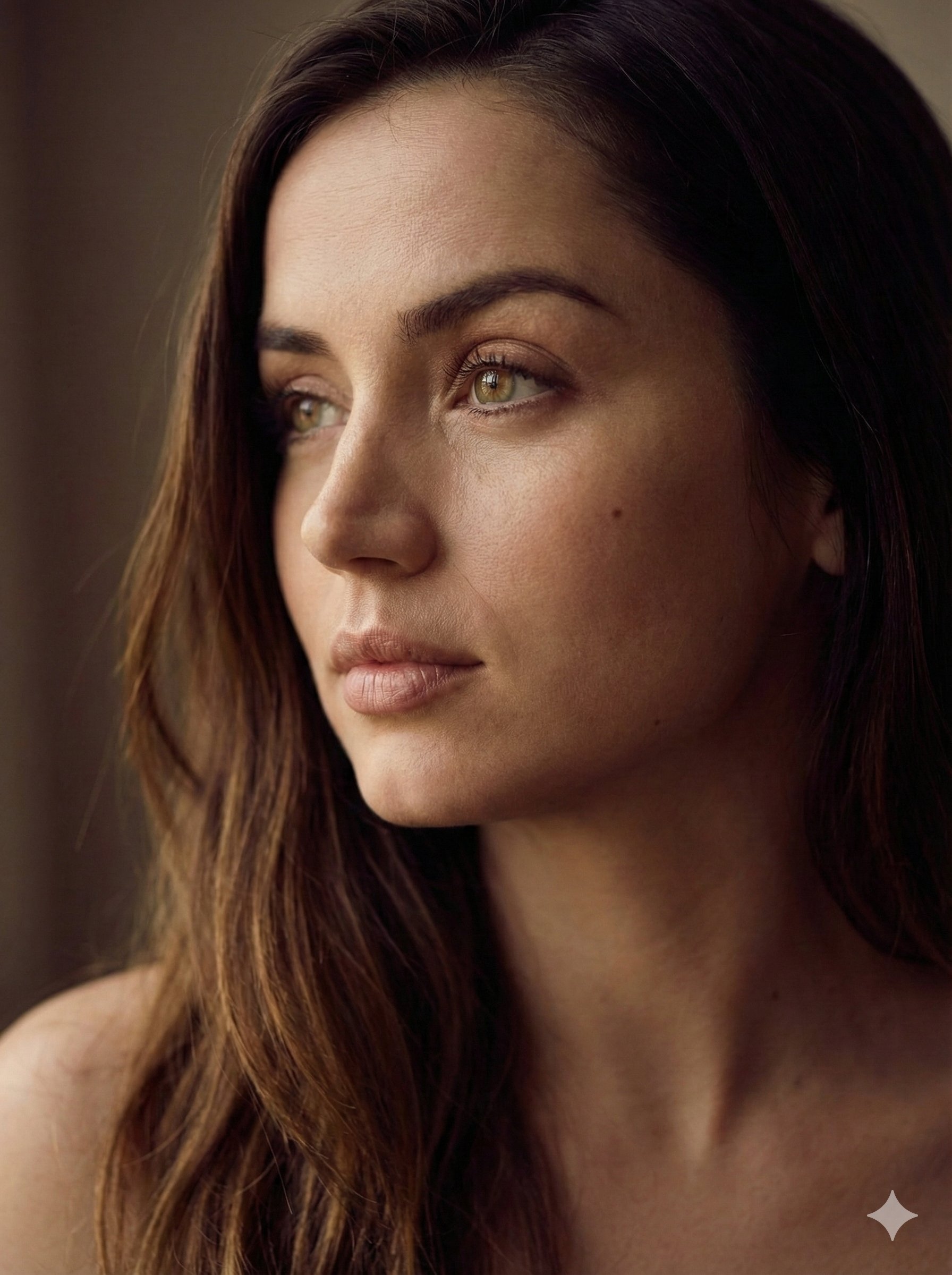
How to quickly extract high-resolution single frames from a contact sheet? My old workflow was to send the contact sheet to Nano Banana Pro and ask it to crop a specific row and column. But this often failed: 1. It could change the image size or style 2. It might keep black borders or text labels (messy crops) So we built a new tool ✅ Upload an image → choose a split format (e.g. 3×3) → one-click split After splitting, you can: Download the individual frames directly Or enable AI Upscale: we send the split images to AI, get high-resolution versions back, and then download them This saves a huge amount of time compared to manual cropping and upscaling. I’ve shared the link and step-by-step instructions in the comments.
从接触式印片快速提取高分辨率单帧的方法
头像
nanoBanana-Pro
How to quickly extract high-resolution single frames from a contact sheet? My old workflow was to send the contact shee...