产品
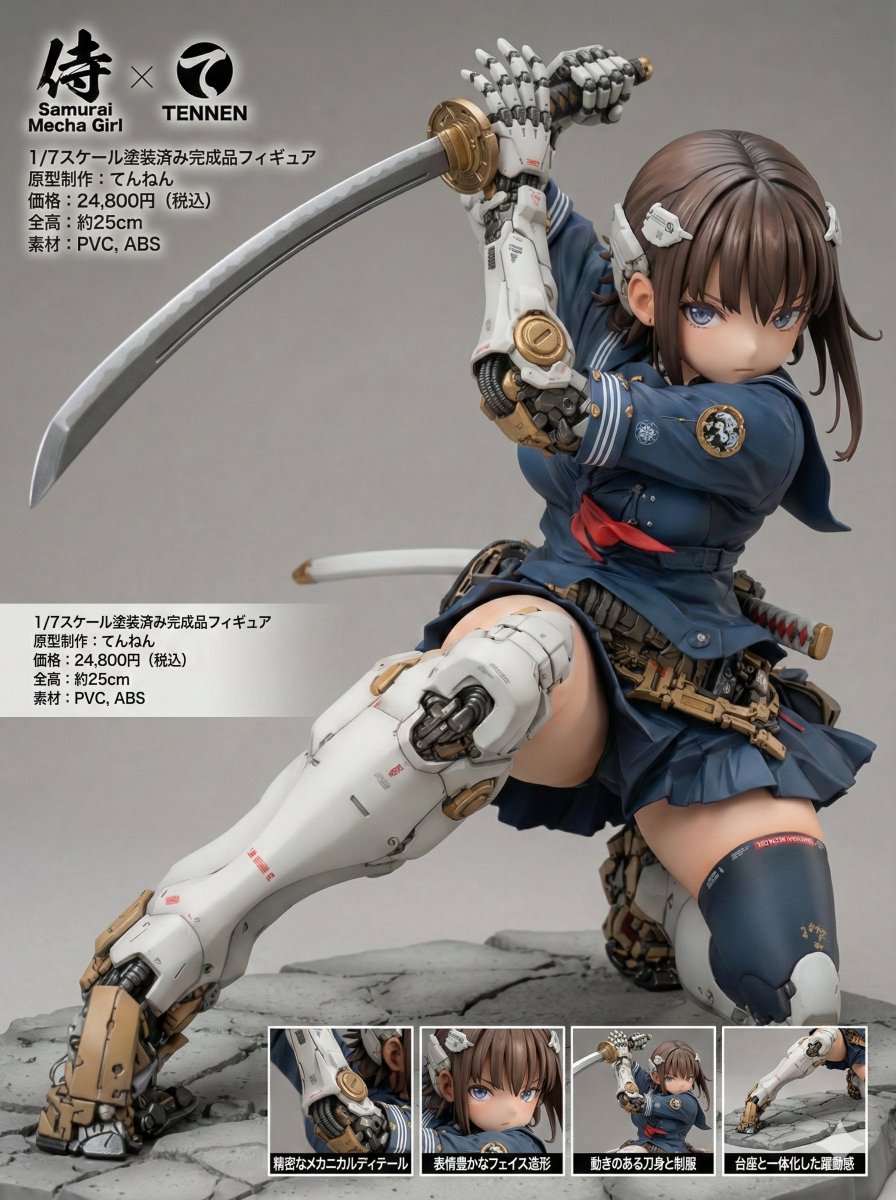
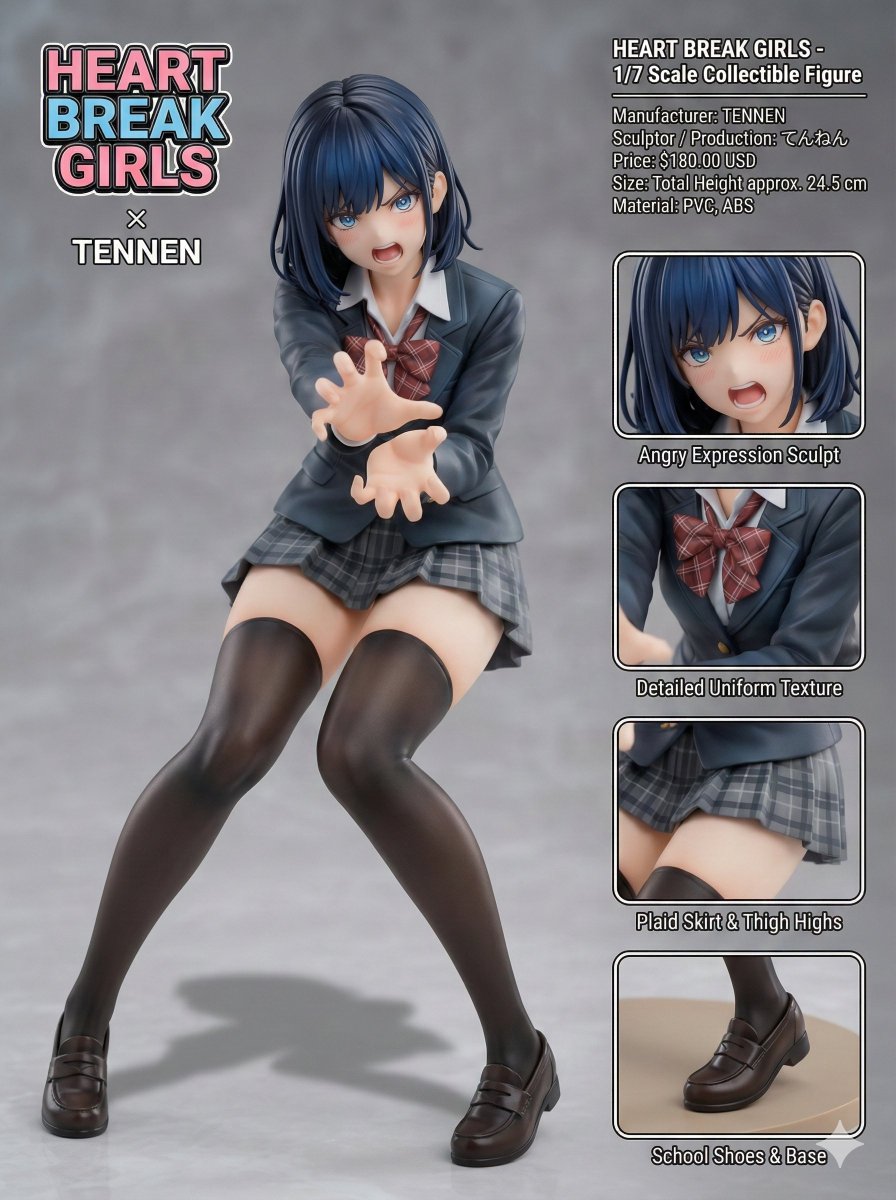
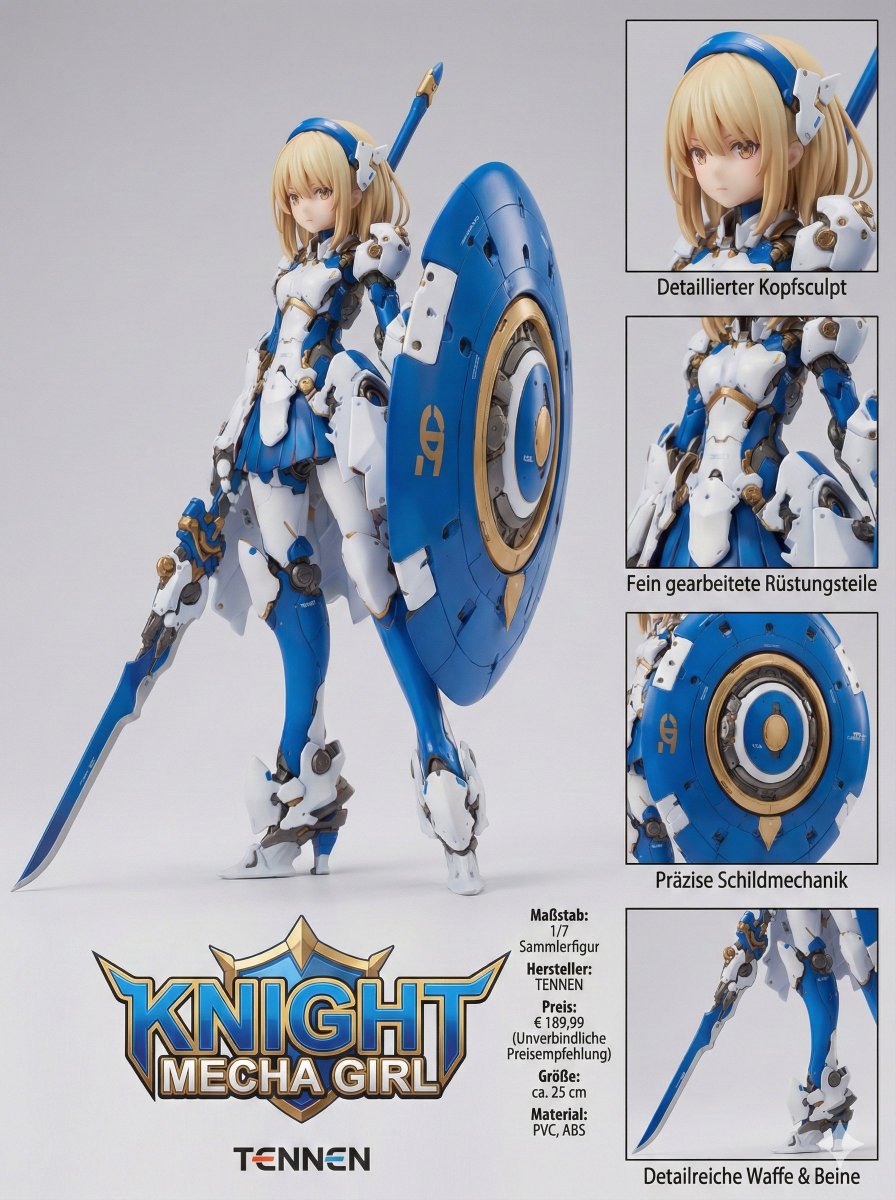
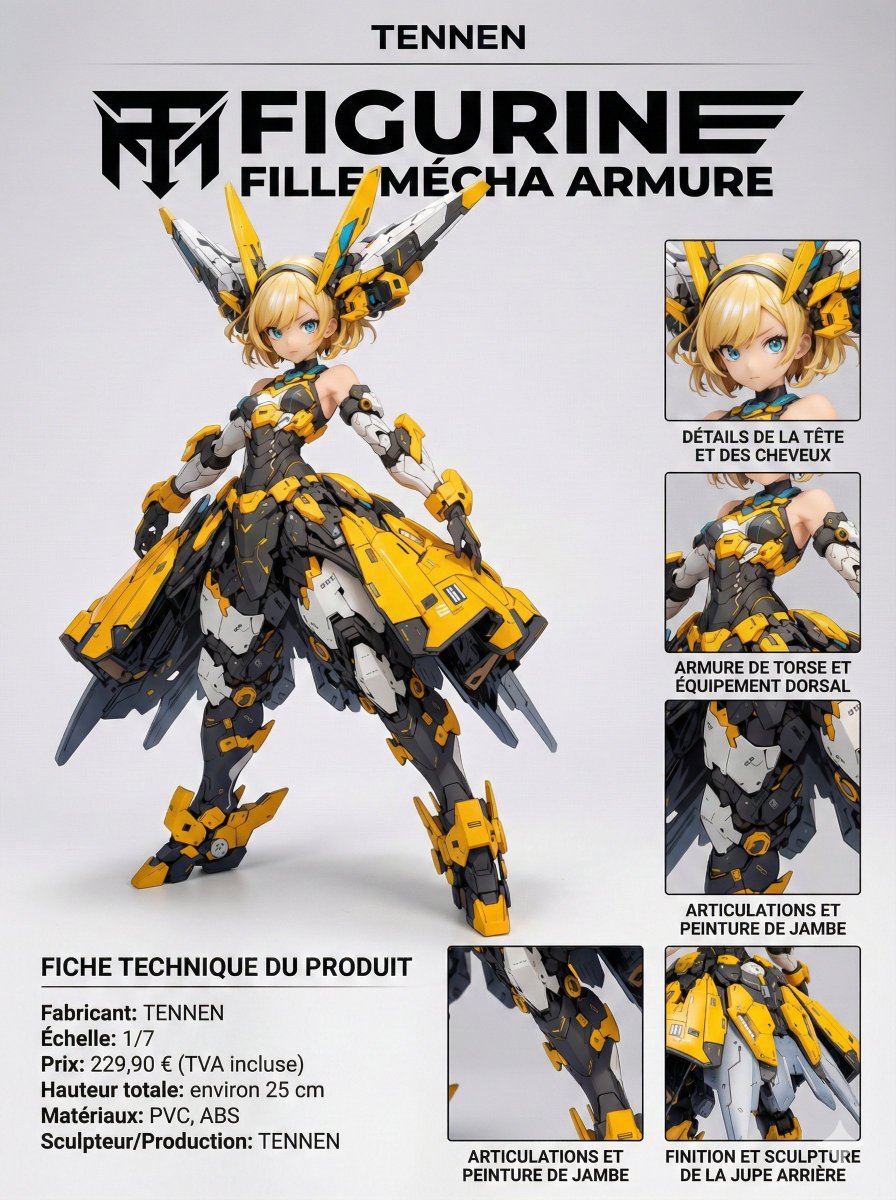
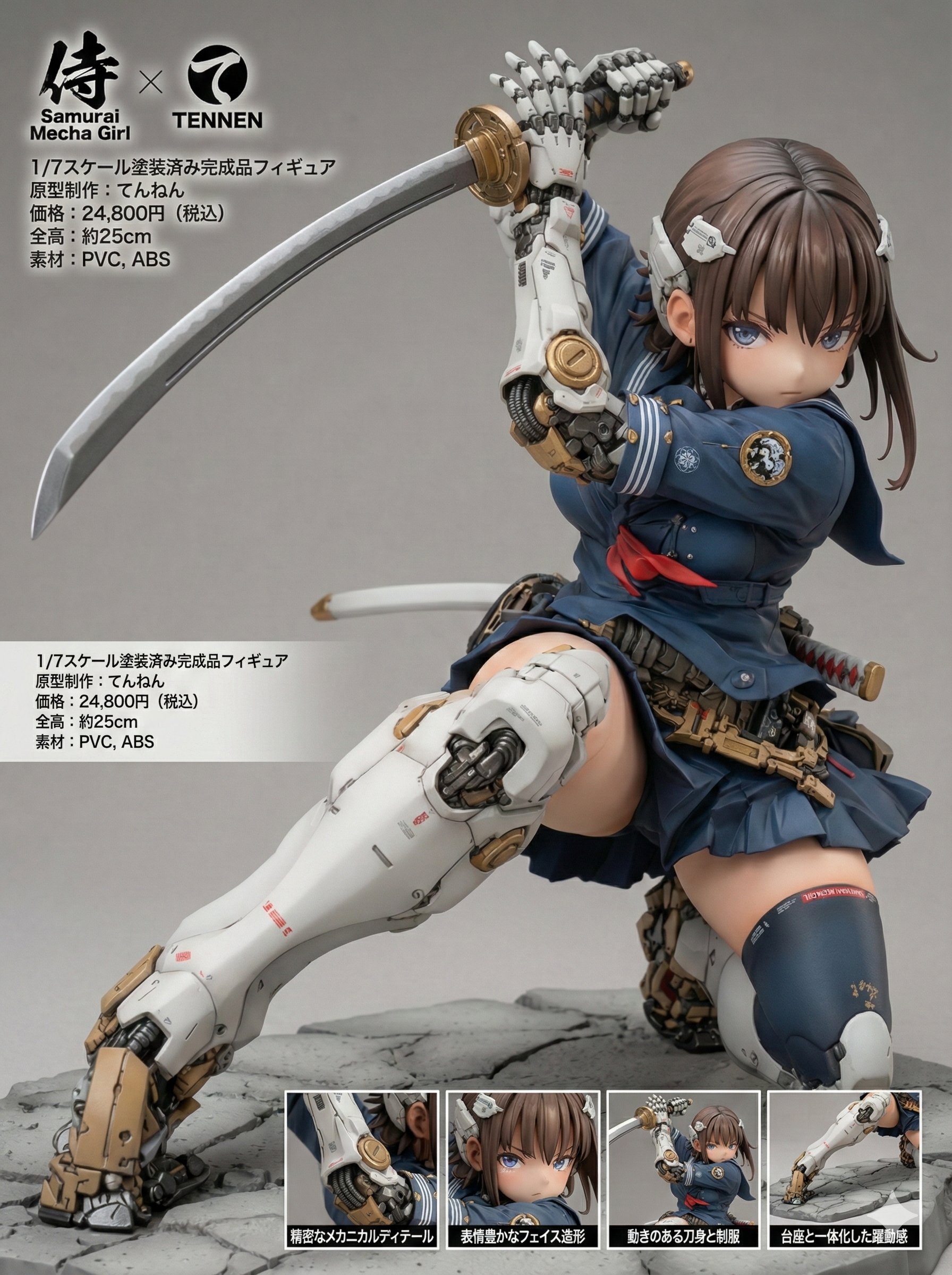
[Figure Product Introduction Style Layout Prompt – Multi-Language Compatible Version] This prompt allows you to transform a character from a reference image into a collectible figure and present it in a product introduction–style layout. The display language can be selected from four options: Japanese, English, German, or French. Please read this description carefully until the end. ※ This prompt is intended exclusively for Nano Banana Pro. ※ Unauthorized reproduction or redistribution of this prompt is prohibited. ◆ Overview Display Language (language) You can choose from: - "ja" (Japanese) - "en" (English) - "de" (German) - "fr" (French) Product Name (product_name) Manufacturer Name (manufacturer_name) You may specify any arbitrary strings for both values. Product Name Logo: The product name logo is inferred from the product name string and the visual atmosphere of the reference image. Manufacturer Logo: The manufacturer logo is inferred from the manufacturer name string. ※ Depending on the selected display language, these names may be translated or localized automatically. Size: The total height (in centimeters) is inferred and displayed based on the character’s body proportions and the 1/7 scale setting. Material: Appropriate materials for a collectible figure are inferred and displayed. Price: The retail price is inferred from the figure’s scale, modeling density, and paint detailing. Close-Up Views: Each close-up view is accompanied by a caption that explains a different part or feature of the figure. All captions are generated in the selected display language. ◆ How to Use Display Language (language) Rewrite the content inside the quotation marks ("") as shown below: language: "en" Available values: ja: Japanese en: English de: German fr: French Product Name (product_name) Manufacturer Name (manufacturer_name) Rewrite the content inside the quotation marks ("") using any arbitrary strings you like. The manufacturer name will also be reflected in the "Sculptor / Production" field. product_name: "{ARBITRARY_PRODUCT_NAME}" manufacturer_name: "{ARBITRARY_MANUFACTURER_NAME}" ◆ Precautions for Using This Prompt This prompt does not intentionally include any specific work titles, author names, character names, or brand names. However, due to the internal processing or training data of the image generation model, unintended associations may occur. As a result, generated images may resemble existing works, characters, trademarks, or brand logos. Please exercise sufficient caution when using, publishing, or distributing generated images. We assume no responsibility whatsoever for any outcomes produced by using this prompt, or for any issues, damages, or disputes arising from such use. All usage is at your own risk and discretion. ◆ Prompt The full prompt for actual use is provided in the replies.
产品介绍风格布局提示 - 多语言兼容版本
产品
nanoBanana-Pro
[Figure Product Introduction Style Layout Prompt – Multi-Language Compatible Version] This prompt allows you to transfo...